


Description
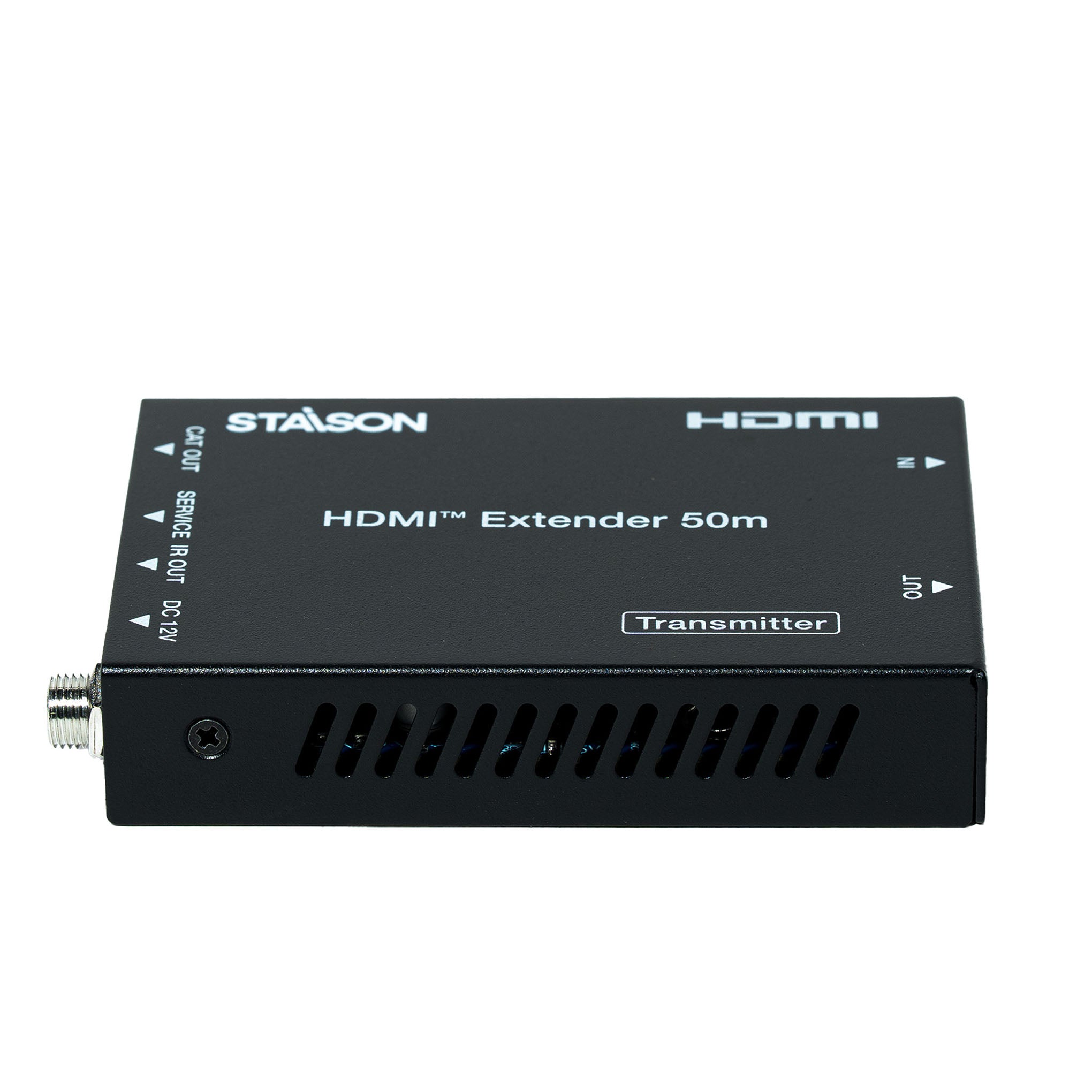
The ST-NEDB50C HDMI Extender is a professional 18Gbps HDMI extender designed to transmit 4K UHD HDMI signals up to 50m over a single CAT5e/CAT6 cable. The ST-NEDB50C HDMI Extender supports one-way IR pass-through, HDMI loop output, HDR, HDCP 2.2 and PoC technology for reliable long-distance AV signal transmission.
The ST-NEDB50C HDMI Extender delivers uncompressed 18Gbps bandwidth with support for resolutions up to 4K@60Hz 4:4:4. The ST-NEDB50C HDMI Extender is ideal for conference rooms, classrooms, digital signage, home theaters and professional AV installations requiring stable HDMI extension with one-way IR control.
The ST-NEDB50C HDMI Extender provides simple installation, automatic EDID management and dependable HDMI signal distribution over long distances. The ST-NEDB50C HDMI Extender combines high performance, reliable connectivity and professional-grade AV extension for commercial and residential applications.
Features
☆ HDCP 2.2 / HDCP 1.4 and DVI 1.0 compliant
☆ Supports 18Gbps bandwidth
☆ Supports input and output video resolution up to 4K2K@60Hz 4:4:4, extends distance up to 164ft/50 meters, as specified in HDMI 2.0
☆ Supports one HDMI loop output
☆ Supports one-way IR pass-through
☆ Supports HDR function
☆ Supports PoC (Power over Cable) function — either transmitter or receiver is powered by the 12V/1A power adapter; the other does not need power supply
☆ Supports automatic copy EDID function
☆ Compact design for easy and flexible installation
Package Contents
① 1× HDMI 18Gbps Extender (Transmitter)
② 1× HDMI 18Gbps Extender (Receiver)
③ 1× IR Blaster cable (1.5 meters)
④ 1× 20~60KHz IR Receiver cable (1.5 meters)
⑤ 1× 12V/1A Locking Power adapter
⑥ 4× Mounting Ears
⑦ 1× User Manual
Specifications
| Technical | |
| HDMI Compliance | HDMI 2.0 |
| HDCP Compliance | HDCP 2.2 / HDCP 1.4 |
| Video Bandwidth | 18Gbps |
| Video Resolution | Up to 4K@60Hz 4:4:4 |
| Color Space | RGB / YCbCr 4:4:4, YCbCr 4:2:2/4:2:0, YUV 4:4:4 |
| Color Depth | 8/10/12-bit (1080p@60Hz, 4K@30Hz, 4K@60Hz YCbCr 4:2:2/4:2:0) 8-bit (4K@60Hz 4:4:4) |
| HDMI Audio Formats | LPCM 2.0/2.1/5.1/6.1/7.1, Dolby Digital, Dolby TrueHD, Dolby Digital Plus (DD+), DTS-ES, DTS HD Master, DTS HD-HRA, DTS-X |
| ESD Protection | IEC 61000-4-2: ±8kV (Air-gap discharge) & ±4kV (Contact discharge) |
| Transmission Distance | |
| CAT5e (HDMI IN/OUT) | 4K@60Hz: 164ft / 50m | 4K@30Hz / 1080P: 164ft / 50m |
| CAT6/6a/7 (HDMI IN/OUT) | 4K@60Hz: 197ft / 60m | 4K@30Hz / 1080P: 230ft / 70m |
| HDMI IN/OUT Cable | Up to 10ft / 3m (recommended: Premium High Speed HDMI cable) |
| Connection – Transmitter | |
| Input | 1× IN [HDMI Type A, 19-pin female] 1× SERVICE [Micro USB, update port] |
| Output | 1× OUT [HDMI Type A, 19-pin female] 1× IR OUT [3.5mm Stereo Mini-jack] 1× CAT OUT [RJ45, 8-pin female] |
| Connection – Receiver | |
| Input | 1× IR IN [3.5mm Stereo Mini-jack] 1× CAT IN [RJ45, 8-pin female] 1× SERVICE [Micro USB, update port] |
| Output | 1× OUT [HDMI Type A, 19-pin female] |
| Power | |
| Power Supply | Input: AC 100–240V 50/60Hz | Output: DC 12V/1A |
| Power Consumption | 3.84W |
| Mechanical | |
| Dimensions | 61mm [W] × 88mm [D] × 18mm [H] |
| Weight | Transmitter: 160g | Receiver: 155g |
| Housing | Metal Enclosure – Black |
| Environmental | |
| Operating Temperature | 0°C ~ 40°C / 32°F ~ 104°F |
| Storage Temperature | -20°C ~ 60°C / -4°F ~ 140°F |
| Relative Humidity | 20%~90% RH (non-condensing) |
Operation Controls and Functions
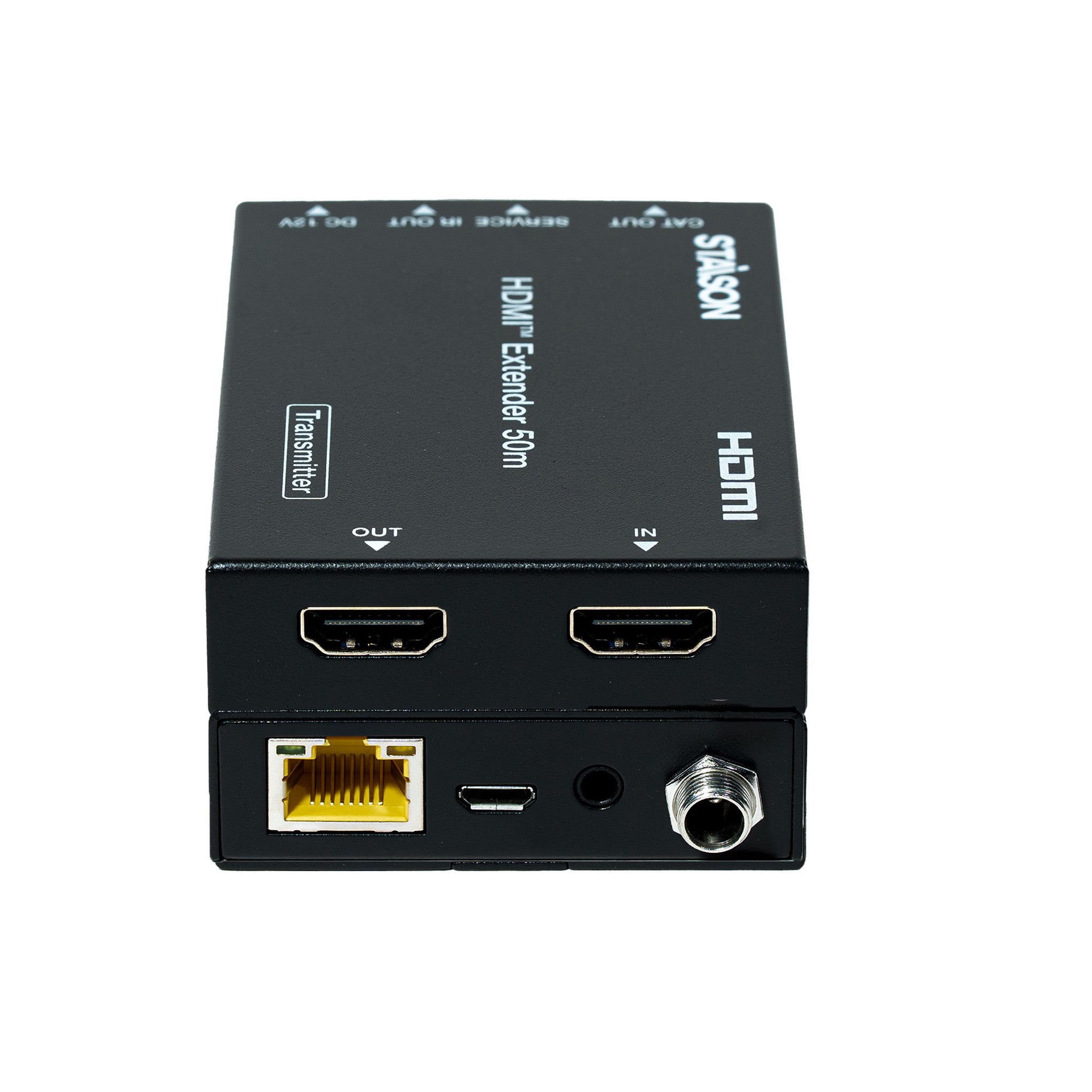
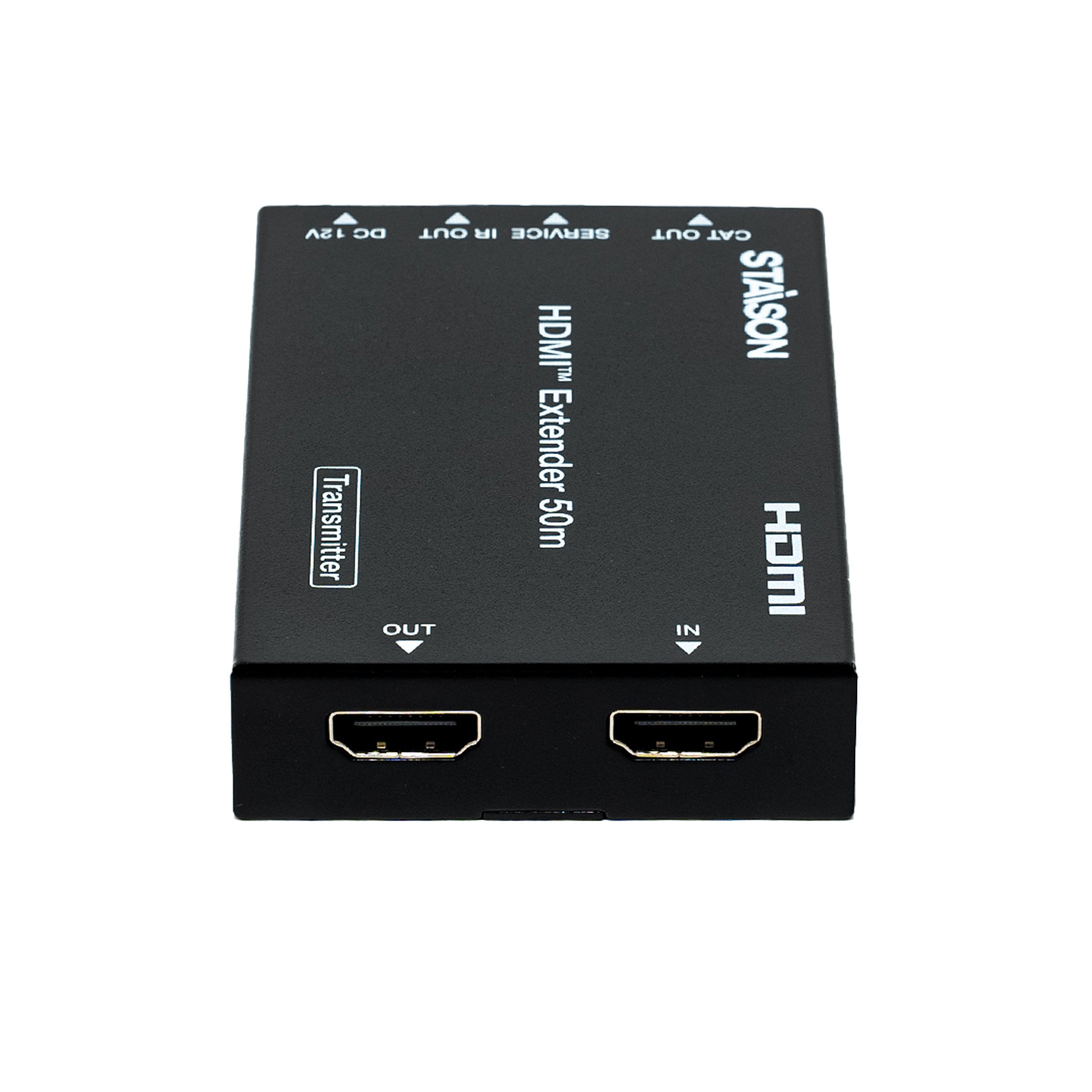
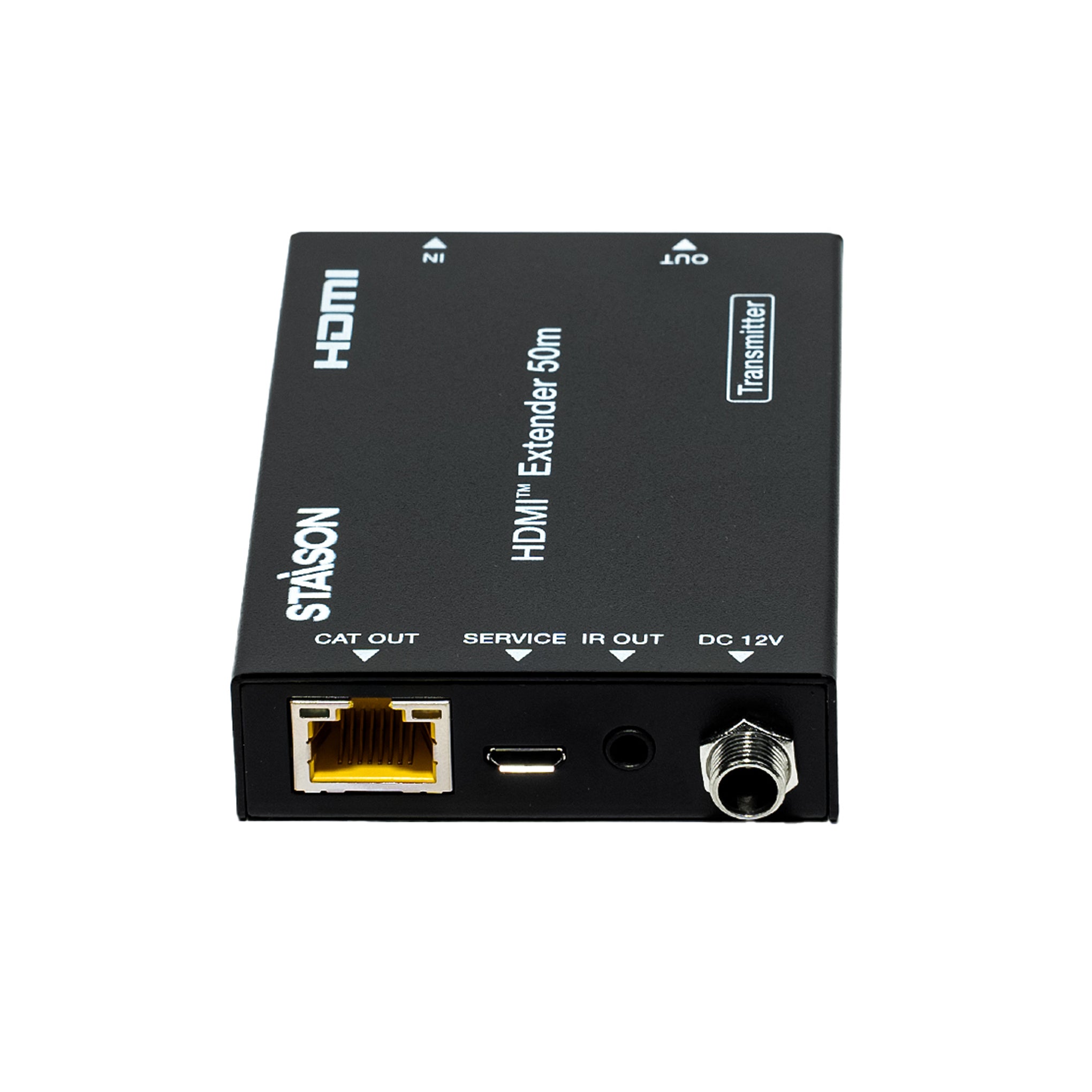
Transmitter Panel

| No. | Name | Function Description |
|---|---|---|
| 1 | OUT | HDMI loop output port, connect to HDMI display device such as TV or Projector with an HDMI cable. |
| 2 | IN | HDMI input port, connect to HDMI source device such as DVD or PS4 player with an HDMI cable. |
| 3 | CAT OUT | Connect to CAT IN port on the receiving end with a CAT6 cable. |
| 4 | Power Indicator Lamp (Green) | The lamp will illuminate when the transmitter is powered on. |
| 5 | Data Signal Indicator Lamp (Orange) | The lamp will illuminate when the transmitter and the receiver have signal transmission. |
| 6 | SERVICE port | For firmware update use. |
| 7 | IR OUT | Connect to wideband IR Blaster cable. The IR signal is from the IR IN port of the receiver. |
| 8 | DC 12V | Plug DC 12V/1A power supply into the unit and connect the adapter to an AC outlet. Note: The extender supports PoC function — only one unit (TX or RX) needs to be powered; the other does not require a power supply. |
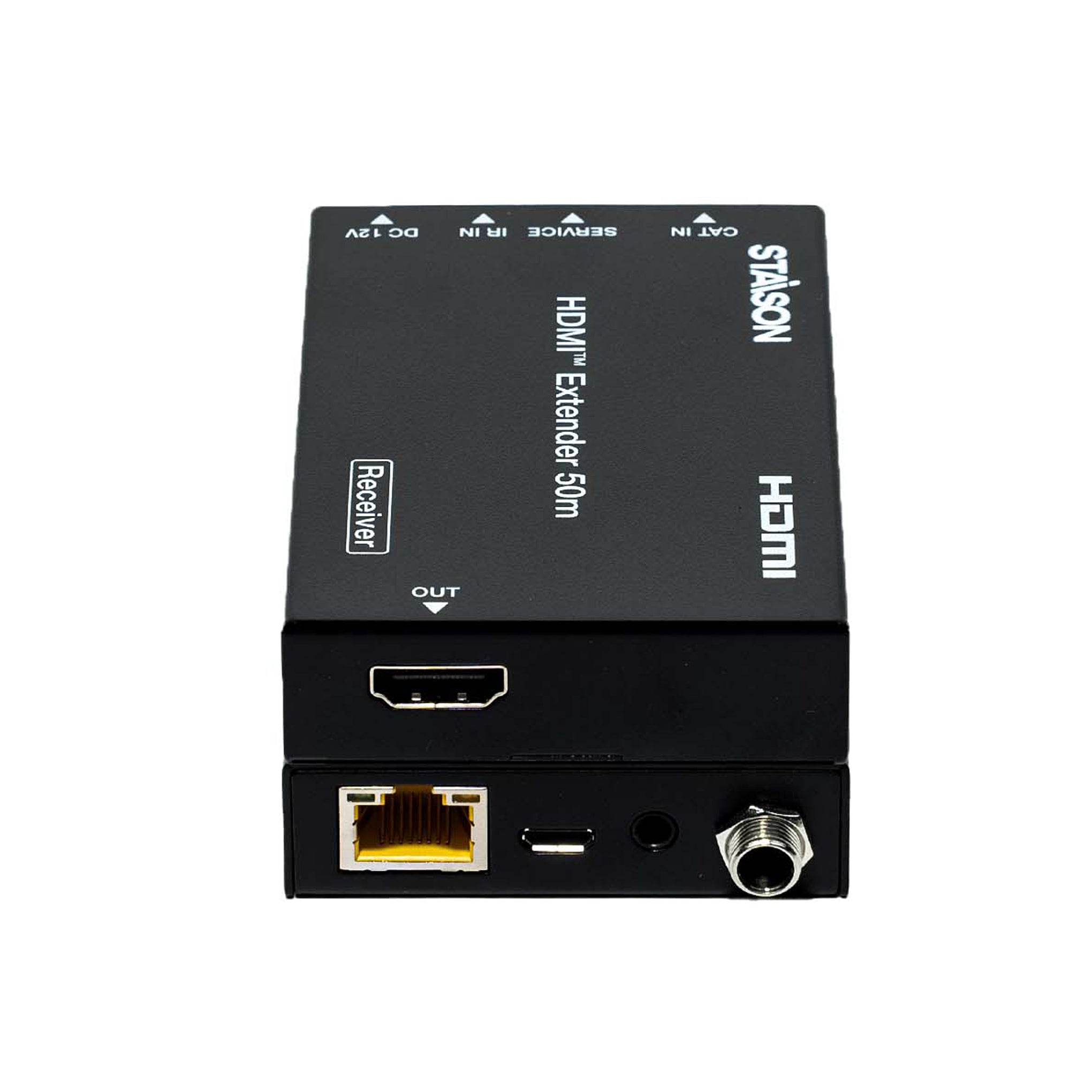
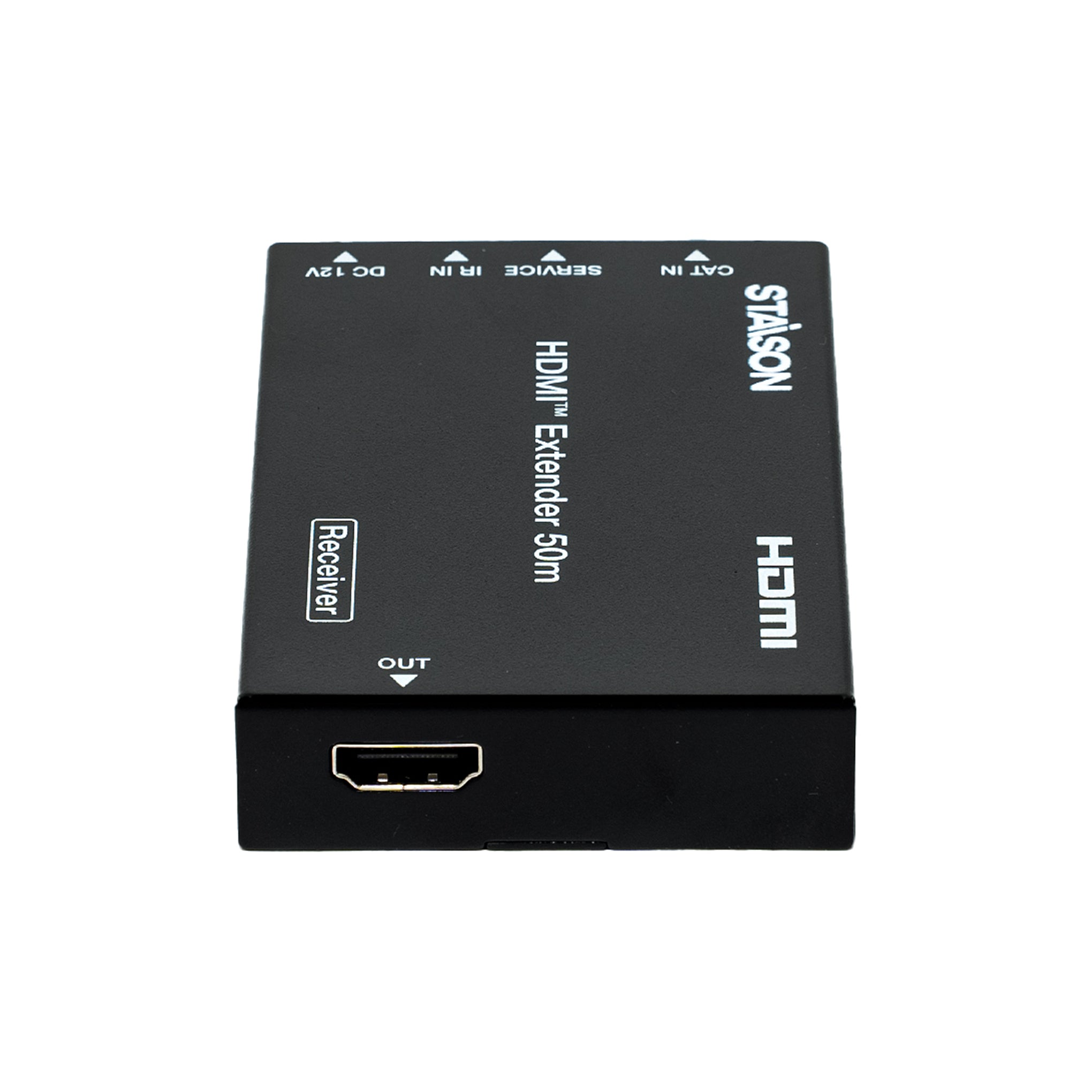
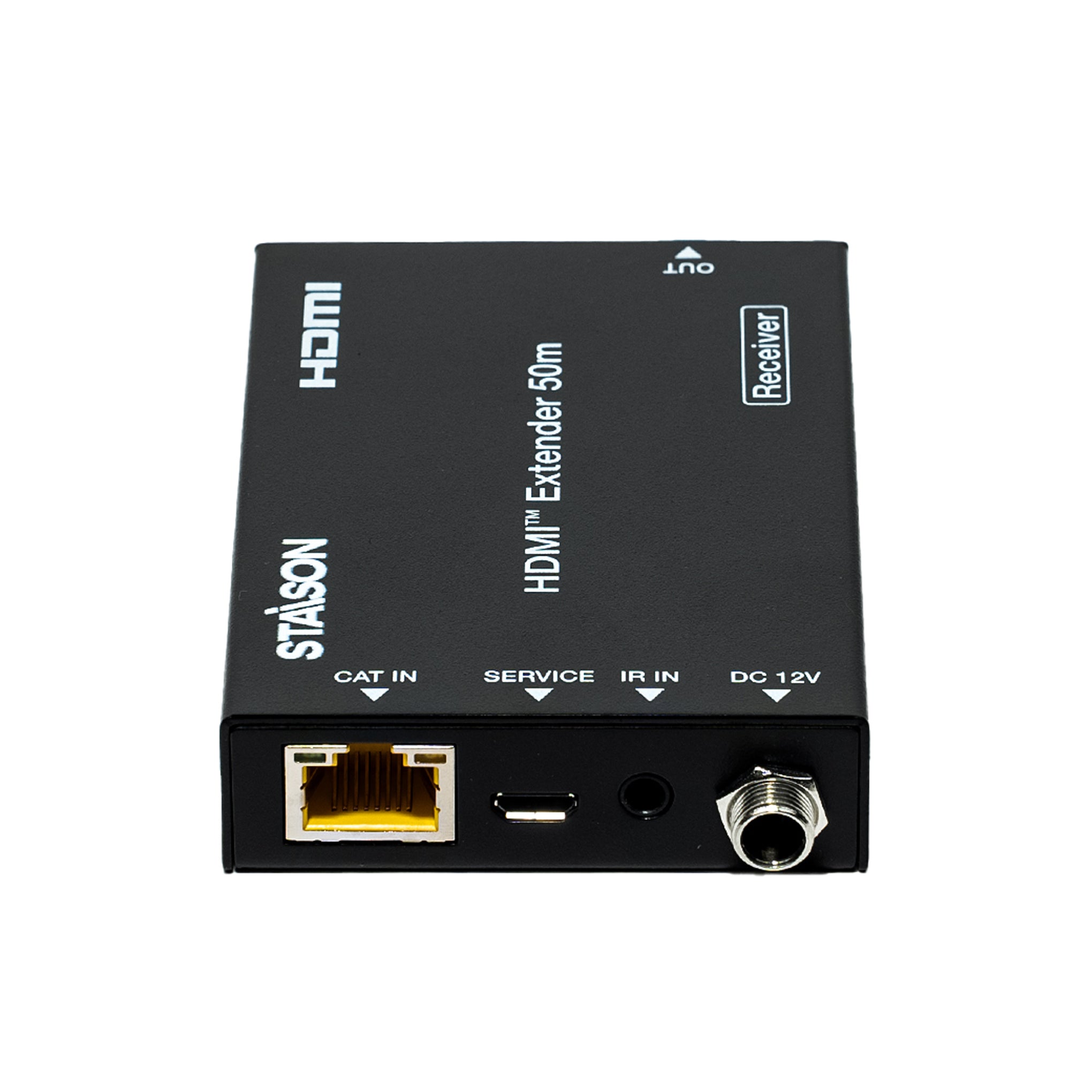
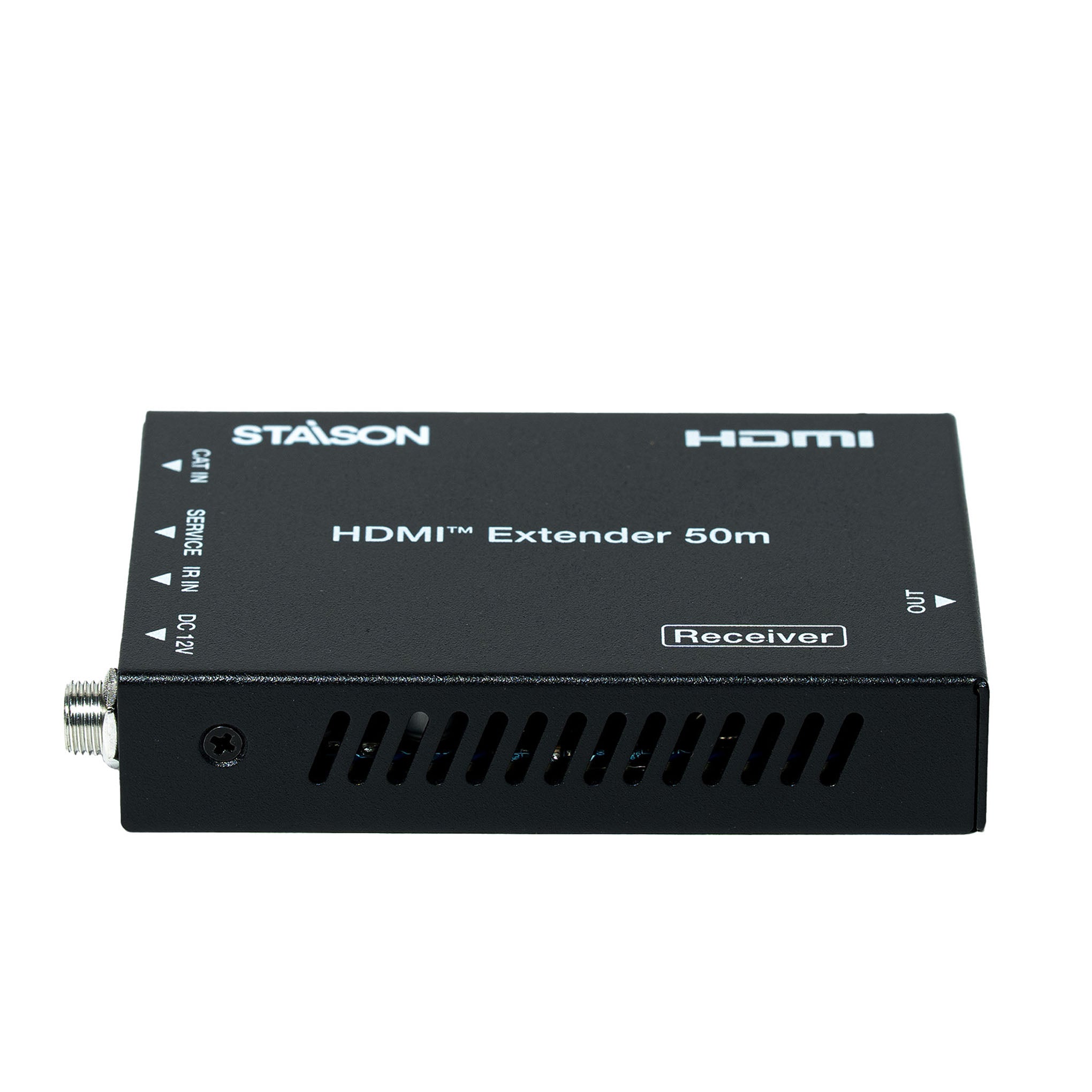
Receiver Panel

| No. | Name | Function Description |
|---|---|---|
| 1 | OUT | HDMI output port, connect to HDMI display device such as TV or Projector with an HDMI cable. |
| 2 | CAT IN | Connect to CAT OUT port on the transmitter end with a CAT6 cable. |
| 3 | Power Indicator Lamp (Green) | The lamp will illuminate when the receiver is powered on. |
| 4 | Data Signal Indicator Lamp (Orange) | The lamp will illuminate when the transmitter and the receiver have signal transmission. |
| 5 | SERVICE port | For firmware update use. |
| 6 | IR IN | Connect to wideband IR Receiver cable. The IR signal will be sent to the IR OUT port of the transmitter. |
| 7 | DC 12V | Plug DC 12V/1A power supply into the unit and connect the adapter to an AC outlet. Note: The extender supports PoC function — only one unit (TX or RX) needs to be powered; the other does not require a power supply. |
IR Pin Definition
IR Receiver and Blaster pin definition as below:


Application Example
