
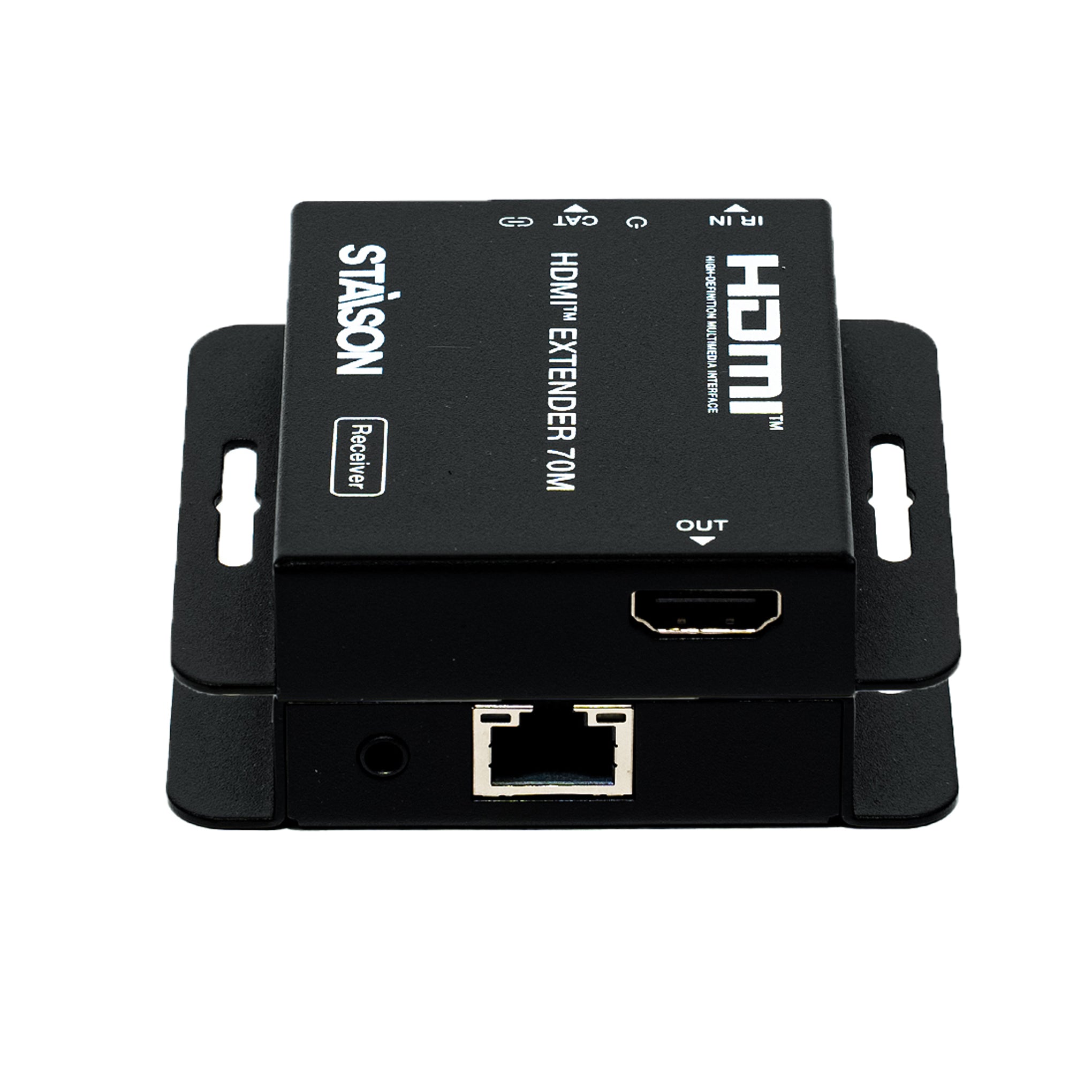
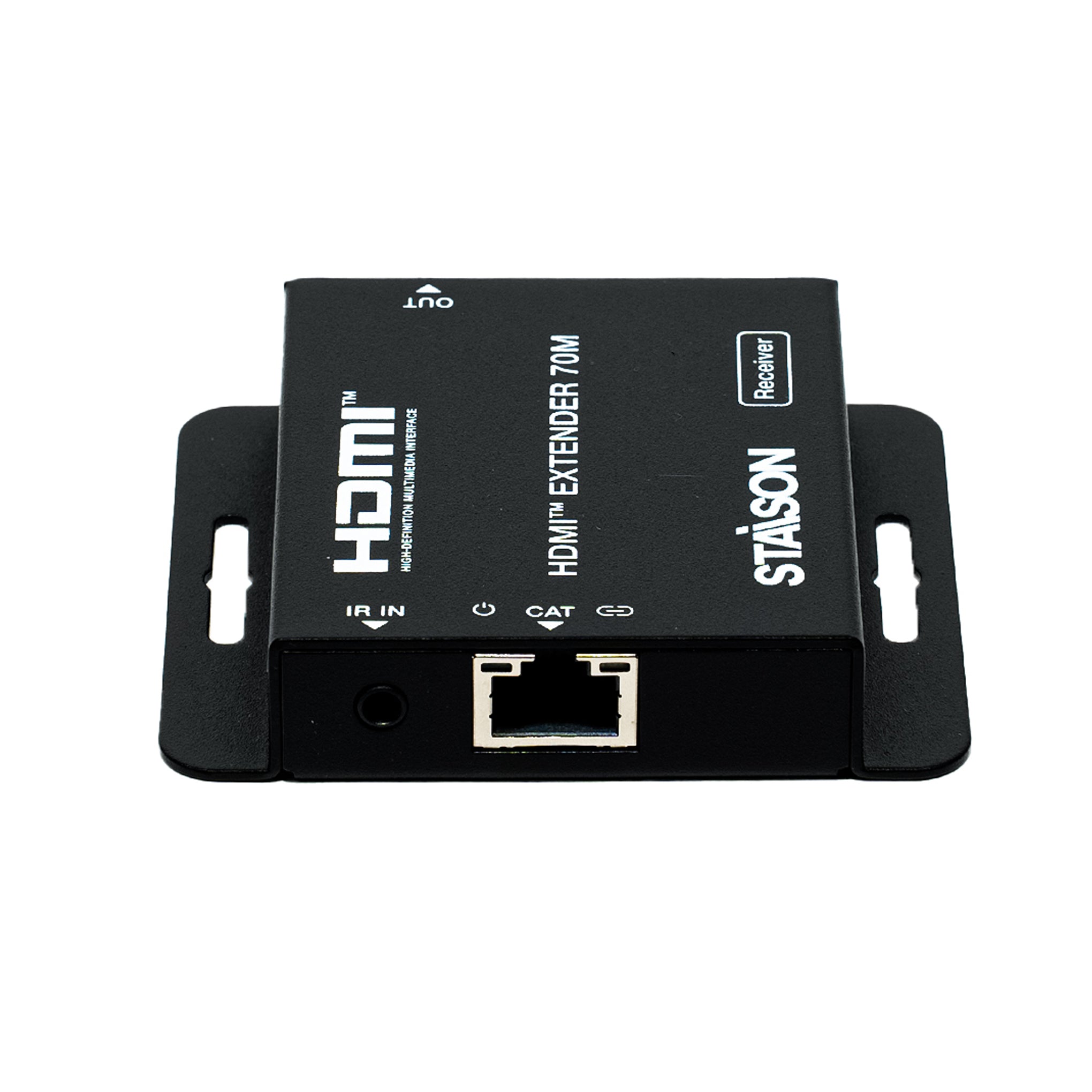
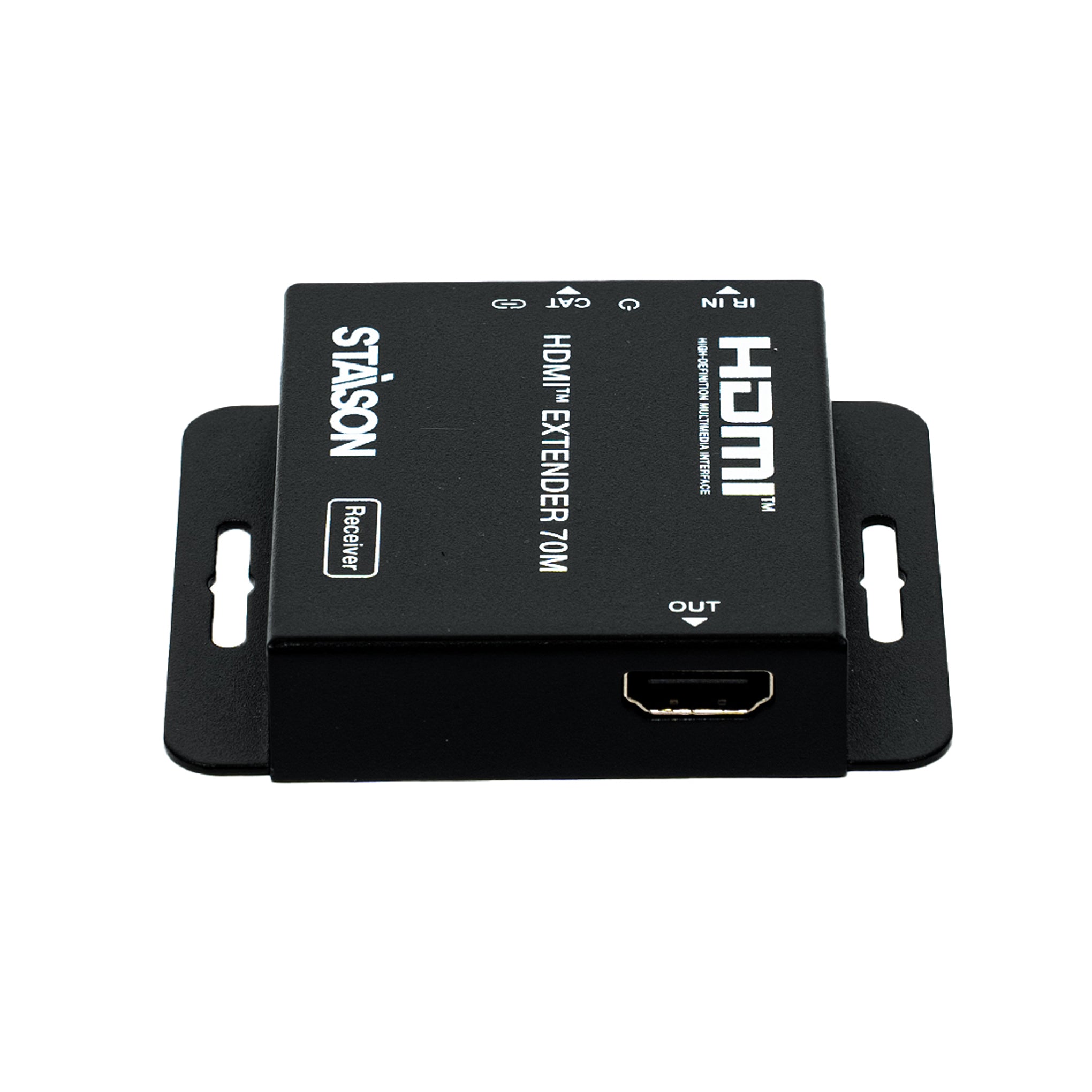


Description
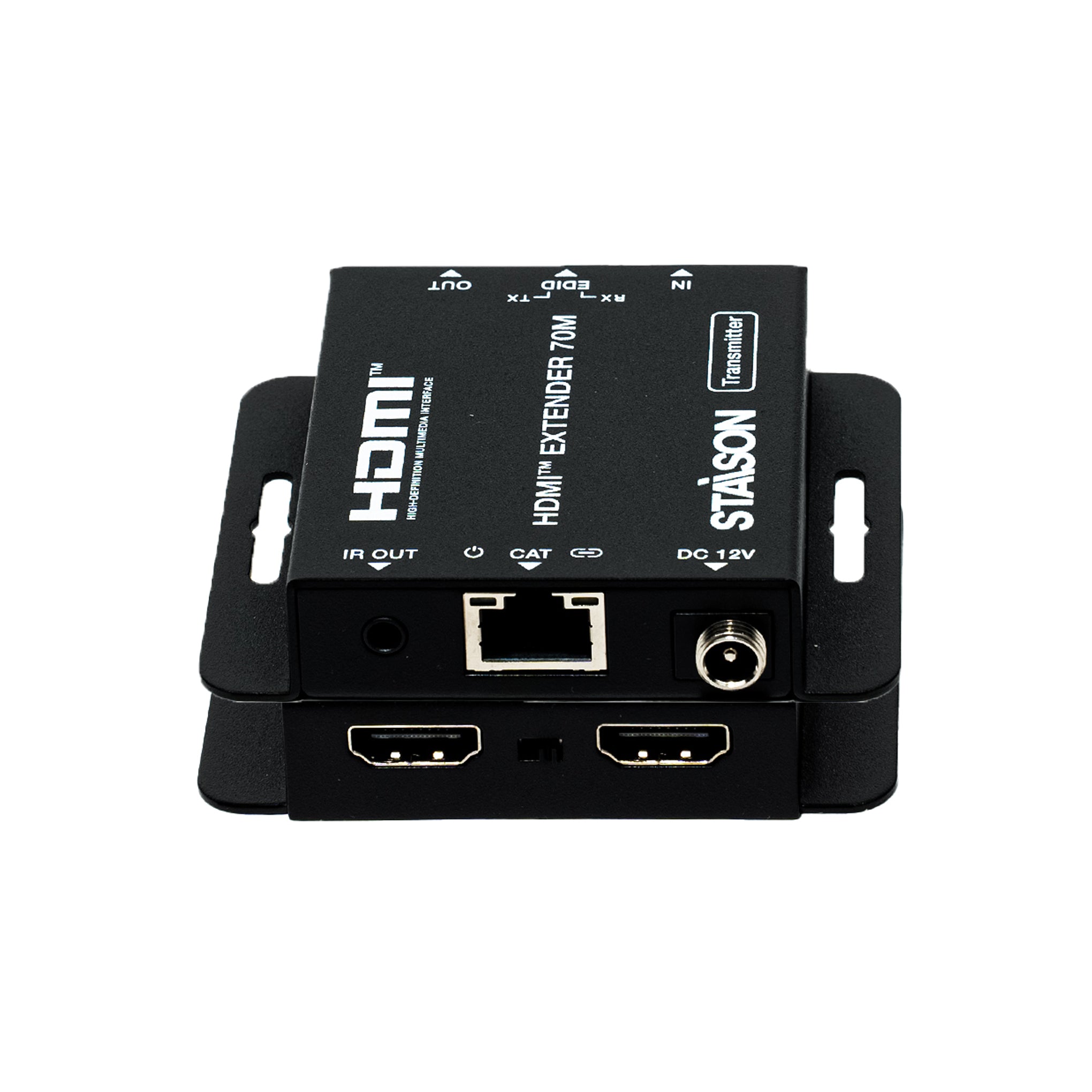
The ST-NED970C HDMI™ Extender transmits uncompressed, zero-latency high-definition video, professional audio, and infrared control signals across long distances using just a single standard CAT5e/CAT6 network cable. Featuring one-way Power over Cable (POC) technology and an integrated physical EDID copy mechanism, this high-performance point-to-point extender simplifies complex infrastructure installations while offering bulletproof signal alignment and active commercial-grade ESD protection.
Features
☆ Extends HD audio/video signals up to 230ft/70m at 1080p, or 131ft/40m at 4K30 over a single CAT6 cable
☆ Uncompressed zero-latency point-to-point transmission
☆ HDMI local loop output on Transmitter for local monitoring or cascading
☆ One-way POC — only the Transmitter requires 12V/1A power; current travels over the CAT cable to power the Receiver
☆ Physical EDID DIP switch for instant EDID cloning from local loop-out screen or remote receiver display
☆ One-way IR pass-through via 3.5mm IR IN/OUT for remote source device control
☆ Multi-channel audio support: LPCM 2.0/5.1/7.1ch, Dolby Digital, DTS 5.1, Dolby TrueHD, DTS-HD Master Audio
☆ Industrial ESD protection: ±8kV (Air-gap discharge), ±4kV (Contact discharge)
Package Contents
① 1× HDMI™ Extender (Transmitter)
② 1× HDMI™ Extender (Receiver)
③ 1× IR Blaster Cable (1.5 meters)
④ 1× IR Receiver Cable (1.5 meters)
⑤ 1× 12V/1A DC Universal Power Adaptor
⑥ 1× User Manual
Specifications
| Parameter | Details |
|---|---|
| Technical | |
| HDMI Compliance | HDMI 1.4 |
| HDCP Compliance | HDCP 1.4 |
| Video Bandwidth | 10.2 Gbps |
| Max Video Resolution | Up to 4K2K@30Hz YUV 4:4:4 |
| Audio Formats | PCM 2.0/5.1/7.1ch, Dolby Digital, DTS 5.1, Dolby TrueHD, DTS-HD Master Audio |
| ESD Protection | IEC 61000-4-2: ±8kV (Air-gap discharge), ±4kV (Contact discharge) |
| Transmission Distance | |
| CAT6 cable | 1080p: up to 230ft / 70m | 4K30: up to 131ft / 40m |
| CAT5e cable | 1080p: up to 197ft / 60m | 4K30: up to 115ft / 35m |
| Connection – Transmitter | |
| Input | 1× HDMI IN [Type A, 19-pin female] |
| Output |
1× HDMI OUT (Loop) [Type A, 19-pin female] 1× CAT OUT [RJ45] 1× IR OUT [3.5mm Stereo Mini-jack] |
| Control | 1× EDID DIP switch; 1× DC 12V power input |
| Connection – Receiver | |
| Input | 1× CAT IN [RJ45]; 1× IR IN [3.5mm Stereo Mini-jack] |
| Output | 1× HDMI OUT [Type A, 19-pin female] |
| Power | |
| Power Supply | Input: AC 100–240V 50/60Hz | Output: DC 12V/1A |
| Power Consumption | Transmitter (TX): Max 1.86W | Receiver (RX): Max 0.87W (via PoC) |
| Mechanical | |
| Dimensions | 79.5mm (W) × 69mm (D) × 16.5mm (H) |
| Weight | Transmitter: 132g | Receiver: 130g |
| Housing | Metal Enclosure – Black |
| Environmental | |
| Operating Temperature | 0°C ~ 40°C / 32°F ~ 104°F |
| Operating Humidity | 20%~80% RH (non-condensing) |
Operation Controls and Functions
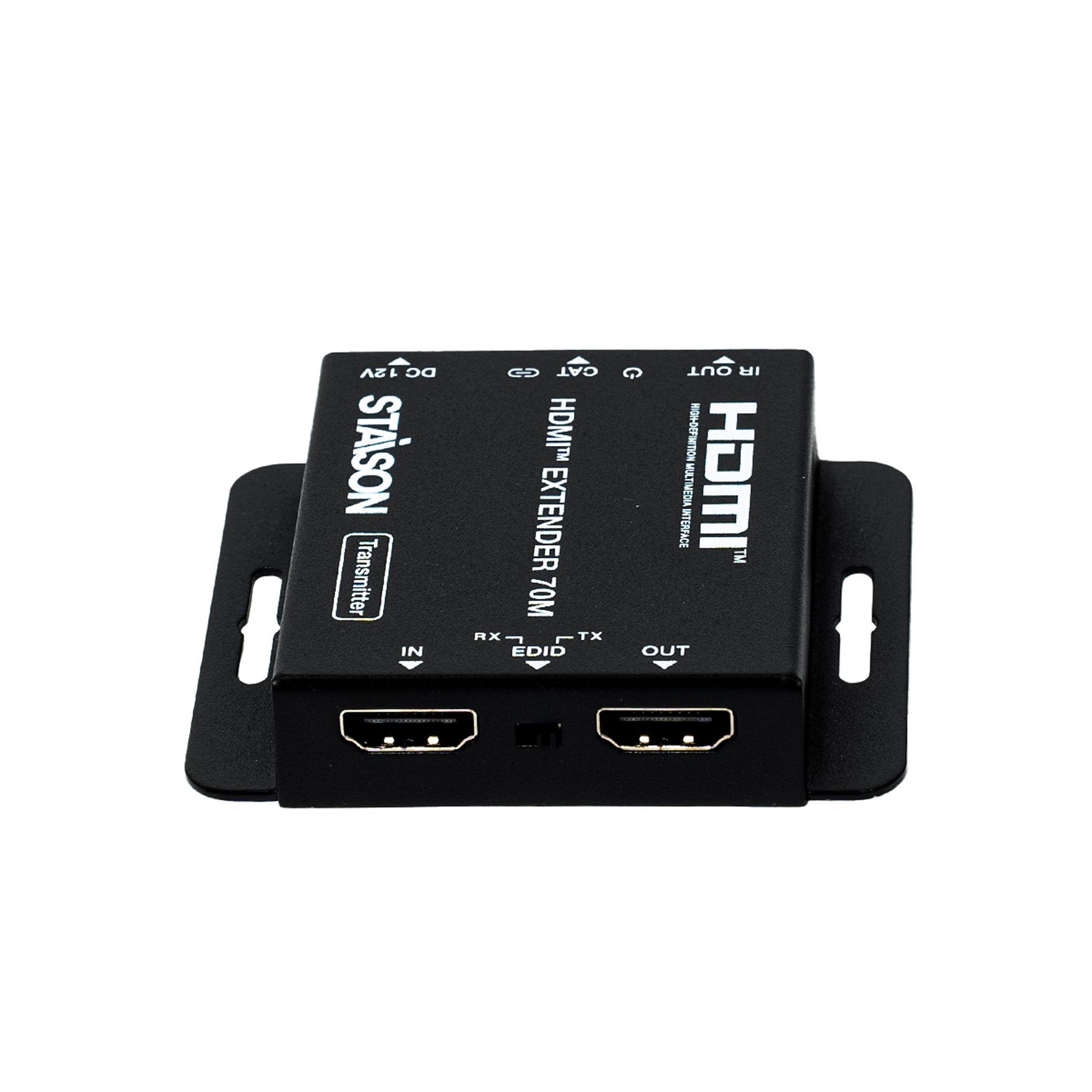
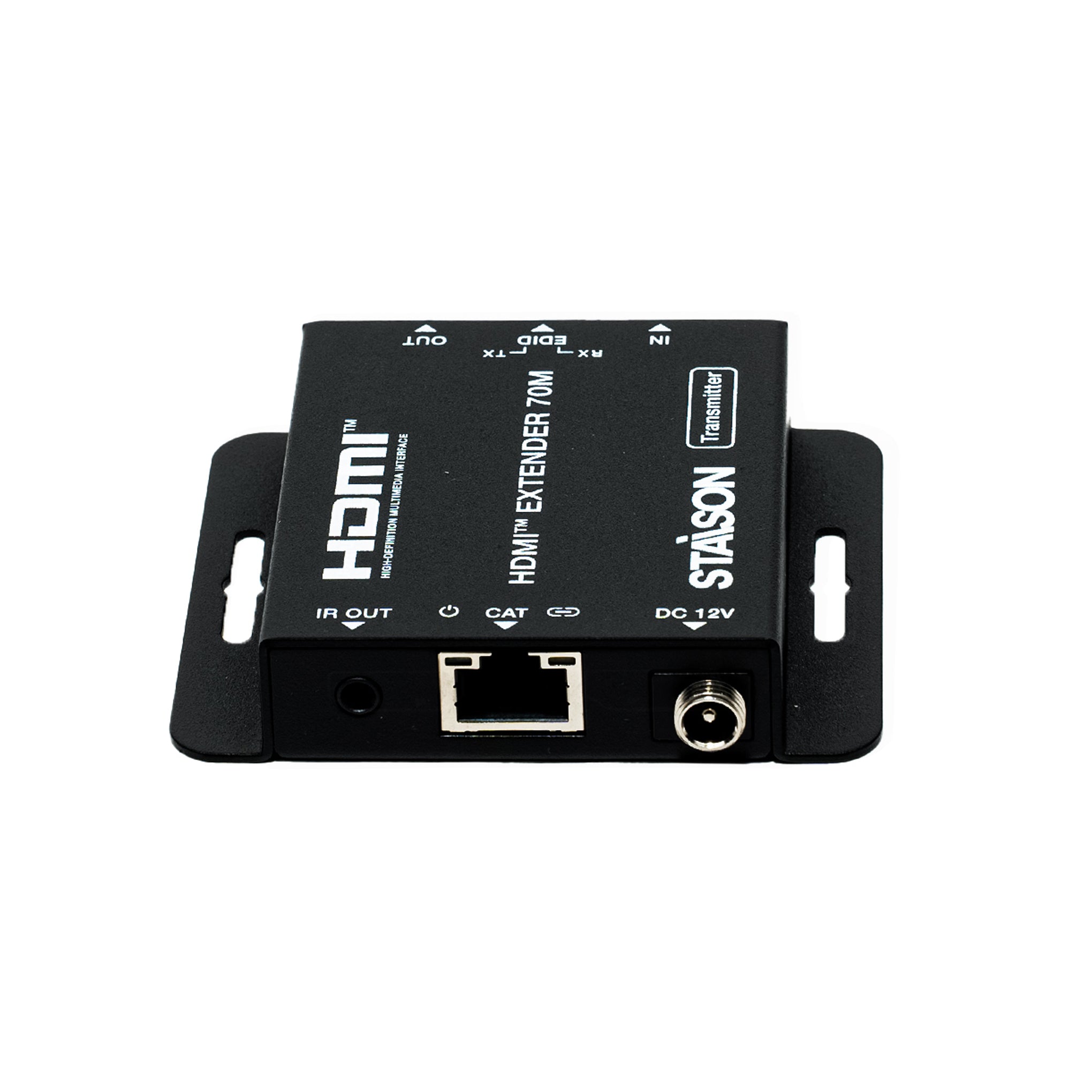
Transmitter Panel

| No. | Name | Function Description |
|---|---|---|
| 1 | HDMI IN | HDMI signal input port. Connect to HDMI source device such as Blu-ray player, PC or set-top box. |
| 2 | EDID DIP Switch | Two-position EDID selection switch. Left: Copies the EDID of the remote display connected to the Receiver. Right: Copies the EDID of the local display connected to the HDMI Loop Out. |
| 3 | HDMI OUT (Loop) | Local HDMI signal loop output port. Connect to a local display device such as TV or monitor for local monitoring. |
| 4 | IR OUT | 3.5mm IR Blaster mini-jack. Sends IR commands back to the source device. [Tip=Signal, Ring=Power, Sleeve=NC] |
| 5 | Power LED | Illuminates green continuously when DC 12V power is connected. |
| 6 | CAT OUT | RJ45 transmission output port. Connect to CAT IN on the Receiver with a CAT5e/6 cable. Carries audio, video, IR and PoC power. |
| 7 | Signal LED | On: HDMI signal with HDCP present. Flashing: HDMI signal without HDCP. Off: No HDMI signal detected. |
| 8 | DC 12V | DC 12V/1A power input port. Connect the included adapter here to power both TX locally and RX via Power over Cable. |
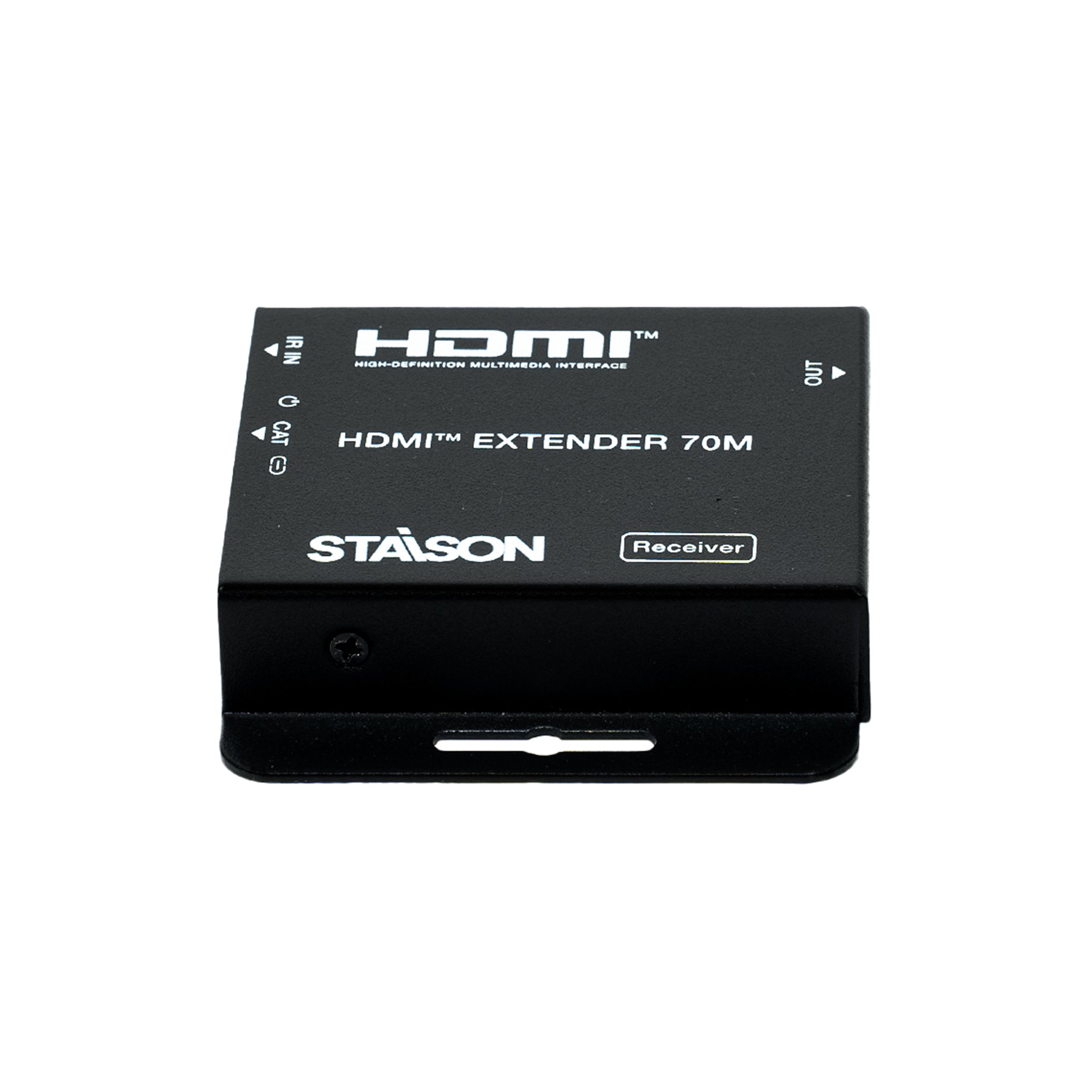
Receiver Panel

| No. | Name | Function Description |
|---|---|---|
| 1 | HDMI OUT | HDMI signal output port. Connect to the remote display device such as HDTV, monitor or projector. |
| 2 | IR IN | 3.5mm IR Receiver mini-jack. Connect IR Receiver cable to absorb remote control codes for pass-through to TX. [Tip=Signal, Ring=Power, Sleeve=Ground] |
| 3 | Power LED | Illuminates green once Power over Cable (PoC) from the Transmitter is established. |
| 4 | CAT IN | RJ45 reception input port. Connect to CAT OUT on the Transmitter with a CAT5e/6 cable. |
| 5 | Signal LED | On: HDMI signal with HDCP present. Flashing: HDMI signal without HDCP. Off: No HDMI signal detected. |
IR Pin Definition
IR Receiver and Blaster pin definition is as below:

Application Example

Note: Always use high-grade copper UTP straight-through (T568B) patch cable. Do not use crossover cables. HDMI™ and the HDMI Logo are trademarks of HDMI Licensing Administrator, Inc.