


Description
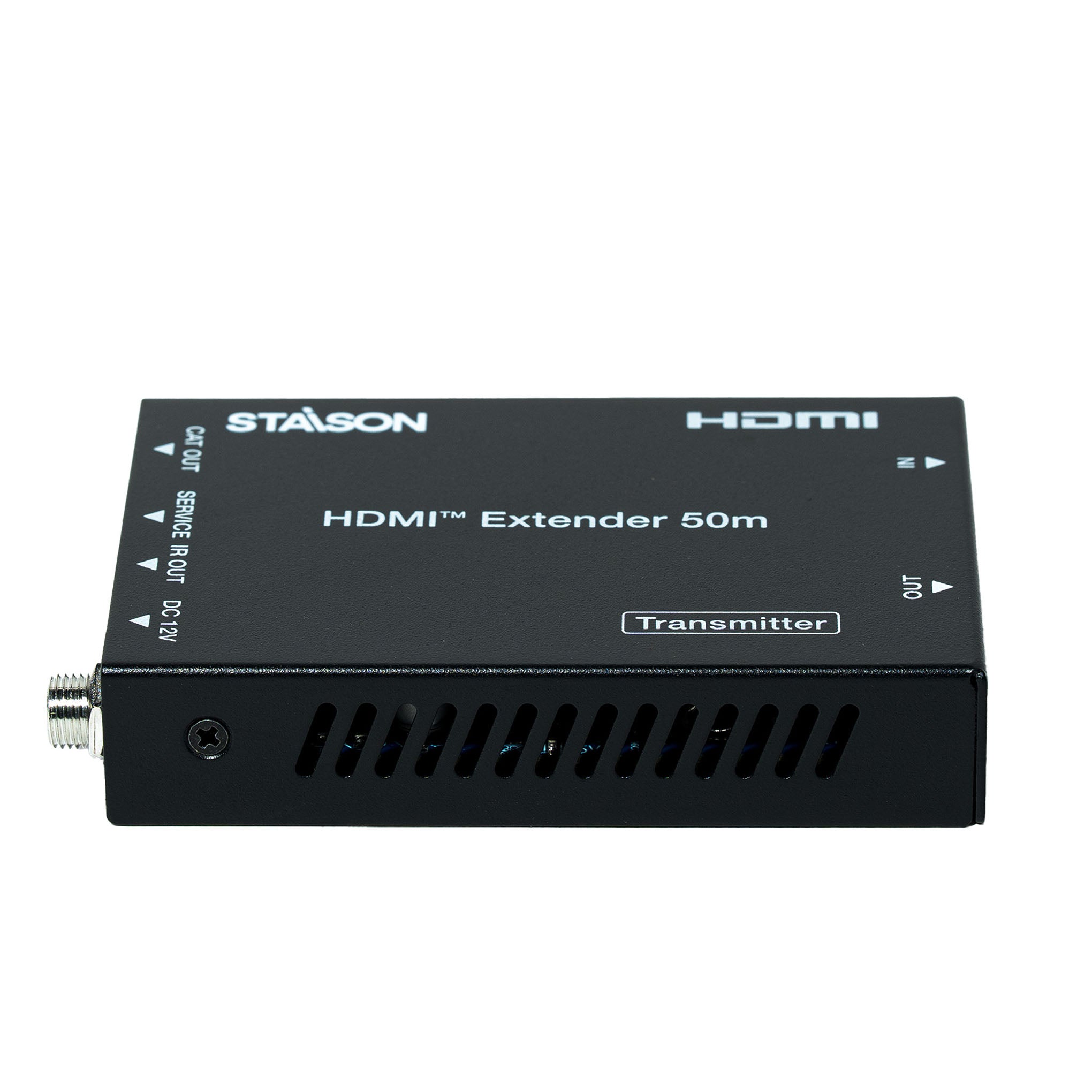
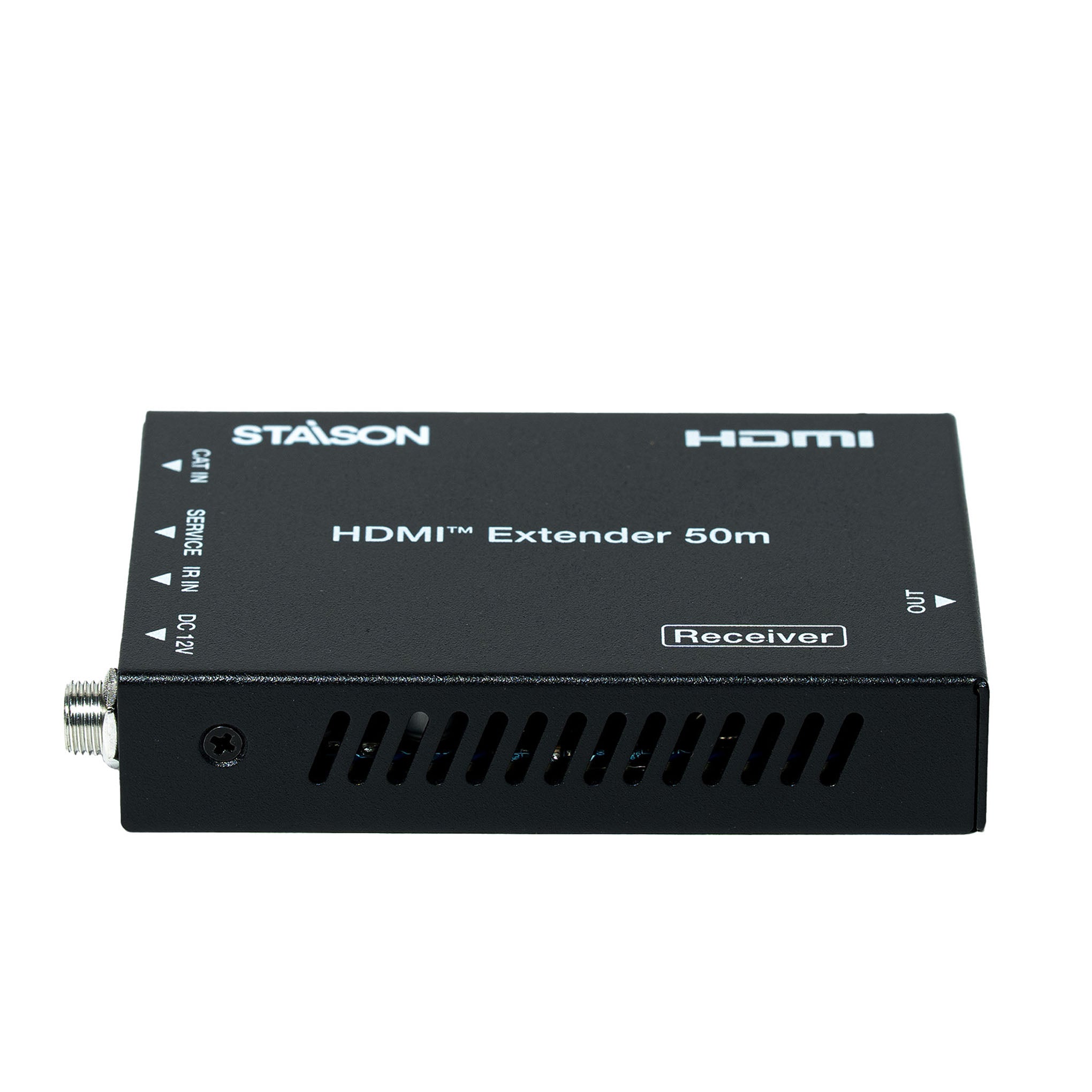
The HDMI 18Gbps Extender can extend high definition video/audio signal and one-way IR, and the distance is up to 164ft/50 meters between transmitter and receiver over a single Cat5e/6 cable. It supports resolution up to 4K2K@60Hz 4:4:4, 18Gbps and HDCP 2.2. In addition, the extender is equipped with one-way IR pass-through which allows for source control and one HDMI loop output.
The extender includes two units: transmitter unit and receiver unit. The transmitter unit is responsible for capturing HDMI input signal and carries the signal via one cost effective Cat6 cable, and emitting IR control signals. The receiver unit is responsible for receiving the HDMI signal and transmitting IR control signal.
The extender offers the most convenient solution for HDMI extension over a single Cat5e/6 with long distance capability, and is the perfect solution for any application.
Features
☆ HDCP 2.2 / HDCP 1.4 and DVI 1.0 compliant
☆ Supports 18Gbps bandwidth
☆ Supports input and output video resolution up to 4K2K@60Hz 4:4:4, extends distance up to 164ft/50 meters, as specified in HDMI 2.0
☆ Supports one HDMI loop output
☆ Supports one-way IR pass-through
☆ Supports HDR function
☆ Supports PoC (Power over Cable) function — either transmitter or receiver is powered by the 12V/1A power adapter; the other does not need power supply
☆ Supports automatic copy EDID function
☆ Compact design for easy and flexible installation
Package Contents
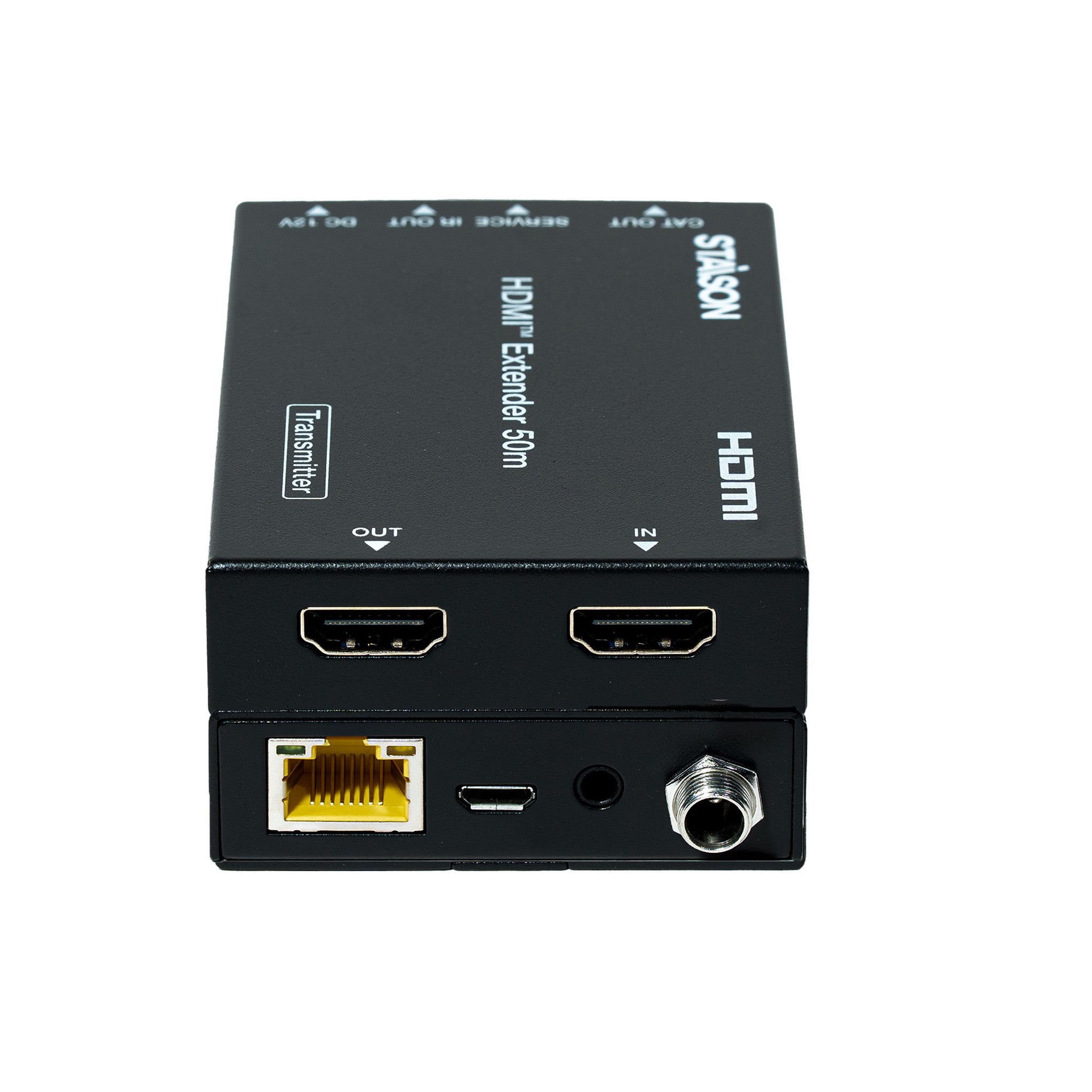
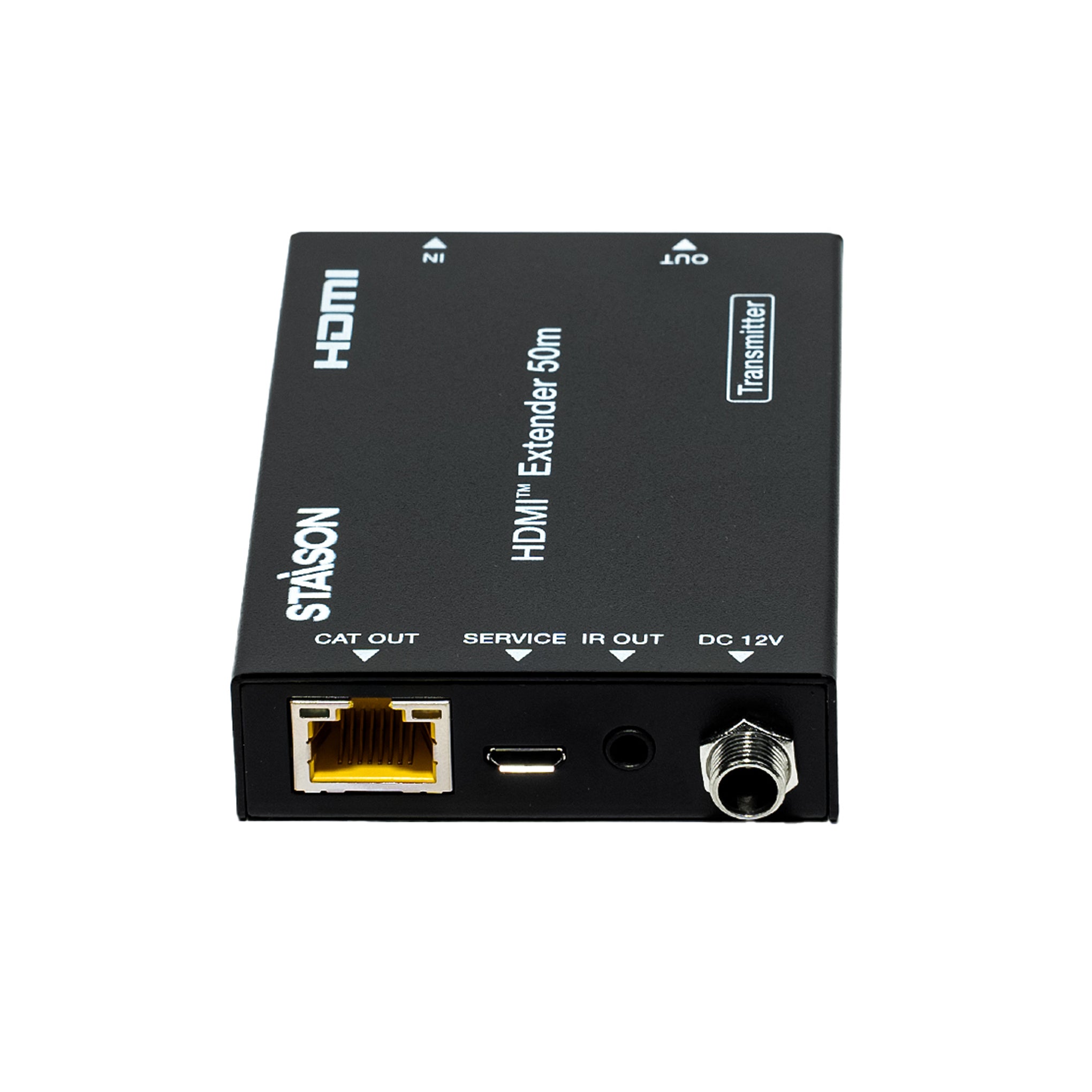
① 1× HDMI 18Gbps Extender (Transmitter)
② 1× HDMI 18Gbps Extender (Receiver)
③ 1× IR Blaster cable (1.5 meters)
④ 1× 20~60KHz IR Receiver cable (1.5 meters)
⑤ 1× 12V/1A Locking Power adapter
⑥ 4× Mounting Ears
⑦ 1× User Manual
Specifications
| Technical | |
| HDMI Compliance | HDMI 2.0 |
| HDCP Compliance | HDCP 2.2 / HDCP 1.4 |
| Video Bandwidth | 18Gbps |
| Video Resolution | Up to 4K@60Hz 4:4:4 |
| Color Space | RGB / YCbCr 4:4:4, YCbCr 4:2:2/4:2:0, YUV 4:4:4 |
| Color Depth |
8/10/12-bit (1080p@60Hz, 4K@30Hz, 4K@60Hz YCbCr 4:2:2/4:2:0) 8-bit (4K@60Hz 4:4:4) |
| HDMI Audio Formats | LPCM 2.0/2.1/5.1/6.1/7.1, Dolby Digital, Dolby TrueHD, Dolby Digital Plus (DD+), DTS-ES, DTS HD Master, DTS HD-HRA, DTS-X |
| ESD Protection | IEC 61000-4-2: ±8kV (Air-gap discharge) & ±4kV (Contact discharge) |
| Transmission Distance | |
| CAT5e (HDMI IN/OUT) | 4K@60Hz: 164ft / 50m | 4K@30Hz / 1080P: 164ft / 50m |
| CAT6/6a/7 (HDMI IN/OUT) | 4K@60Hz: 197ft / 60m | 4K@30Hz / 1080P: 230ft / 70m |
| HDMI IN/OUT Cable | Up to 10ft / 3m (recommended: Premium High Speed HDMI cable) |
| Connection – Transmitter | |
| Input |
1× IN [HDMI Type A, 19-pin female] 1× SERVICE [Micro USB, update port] |
| Output |
1× OUT [HDMI Type A, 19-pin female] 1× IR OUT [3.5mm Stereo Mini-jack] 1× CAT OUT [RJ45, 8-pin female] |
| Connection – Receiver | |
| Input |
1× IR IN [3.5mm Stereo Mini-jack] 1× CAT IN [RJ45, 8-pin female] 1× SERVICE [Micro USB, update port] |
| Output | 1× OUT [HDMI Type A, 19-pin female] |
| Power | |
| Power Supply | Input: AC 100–240V 50/60Hz | Output: DC 12V/1A |
| Power Consumption | 3.84W |
| Mechanical | |
| Dimensions | 61mm [W] × 88mm [D] × 18mm [H] |
| Weight | Transmitter: 160g | Receiver: 155g |
| Housing | Metal Enclosure – Black |
| Environmental | |
| Operating Temperature | 0°C ~ 40°C / 32°F ~ 104°F |
| Storage Temperature | -20°C ~ 60°C / -4°F ~ 140°F |
| Relative Humidity | 20%~90% RH (non-condensing) |
Operation Controls and Functions
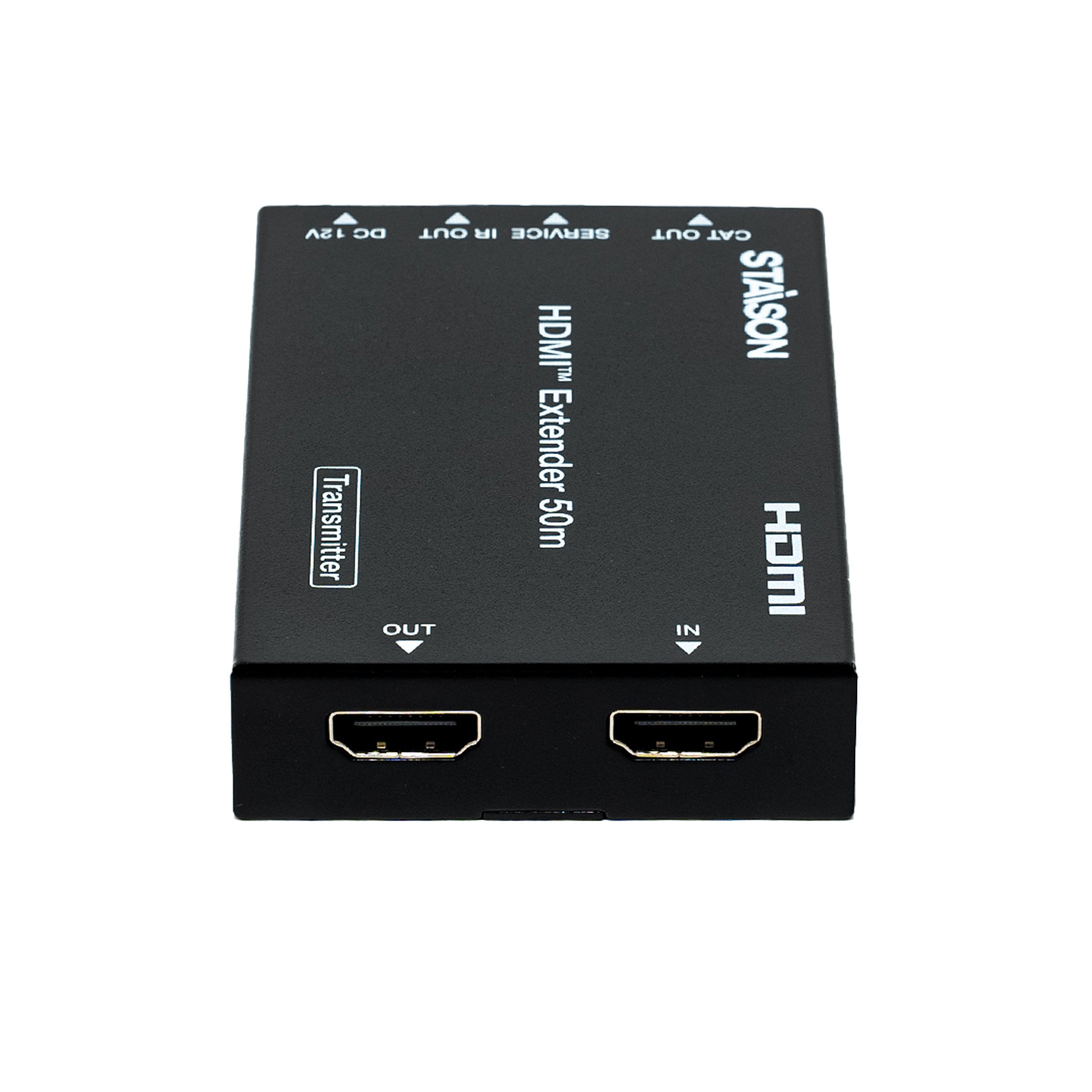
Transmitter Panel

| No. | Name | Function Description |
|---|---|---|
| 1 | OUT | HDMI loop output port, connect to HDMI display device such as TV or Projector with an HDMI cable. |
| 2 | IN | HDMI input port, connect to HDMI source device such as DVD or PS4 player with an HDMI cable. |
| 3 | CAT OUT | Connect to CAT IN port on the receiving end with a CAT6 cable. |
| 4 | Power Indicator Lamp (Green) | The lamp will illuminate when the transmitter is powered on. |
| 5 | Data Signal Indicator Lamp (Orange) | The lamp will illuminate when the transmitter and the receiver have signal transmission. |
| 6 | SERVICE port | For firmware update use. |
| 7 | IR OUT | Connect to wideband IR Blaster cable. The IR signal is from the IR IN port of the receiver. |
| 8 | DC 12V | Plug DC 12V/1A power supply into the unit and connect the adapter to an AC outlet. Note: The extender supports PoC function — only one unit (TX or RX) needs to be powered; the other does not require a power supply. |
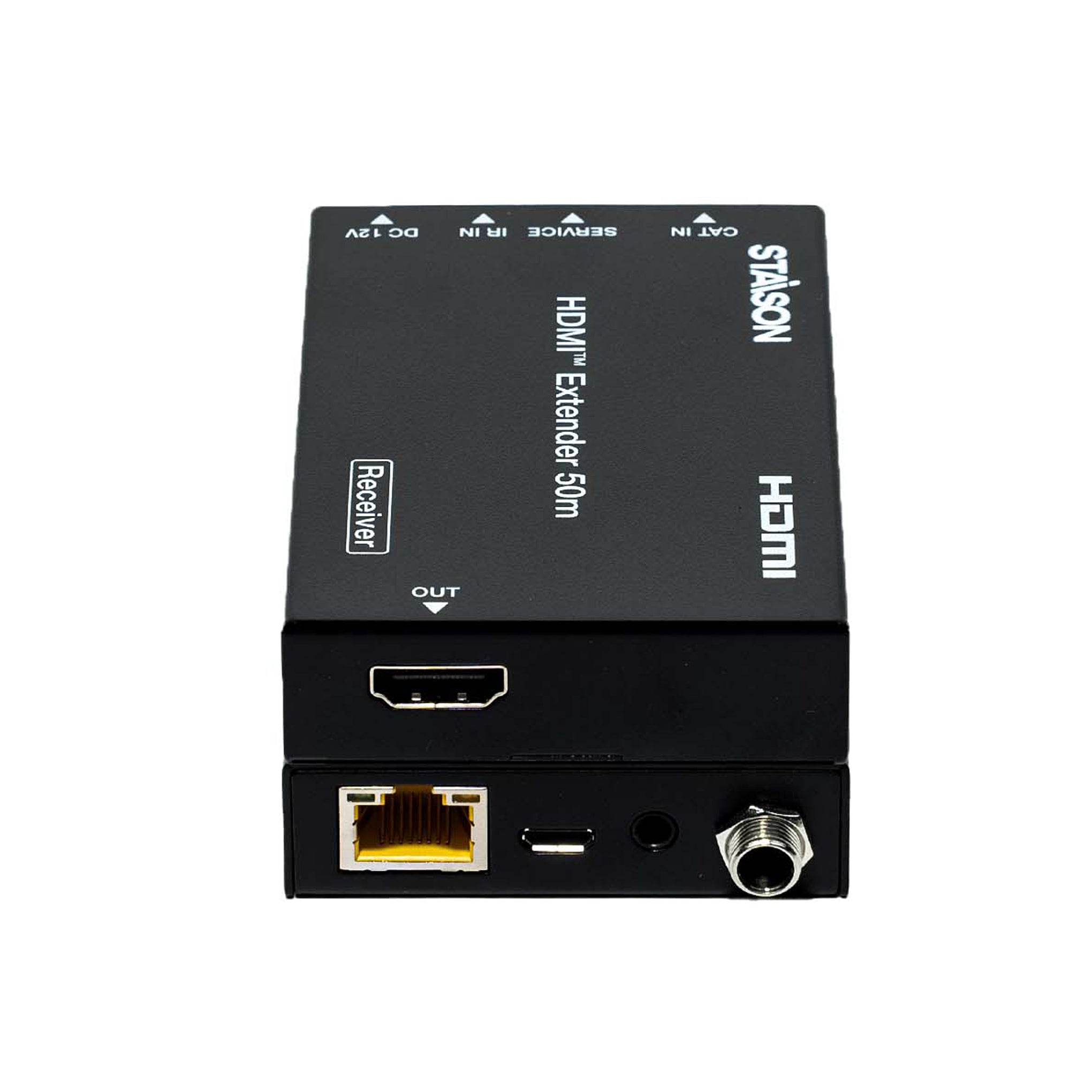
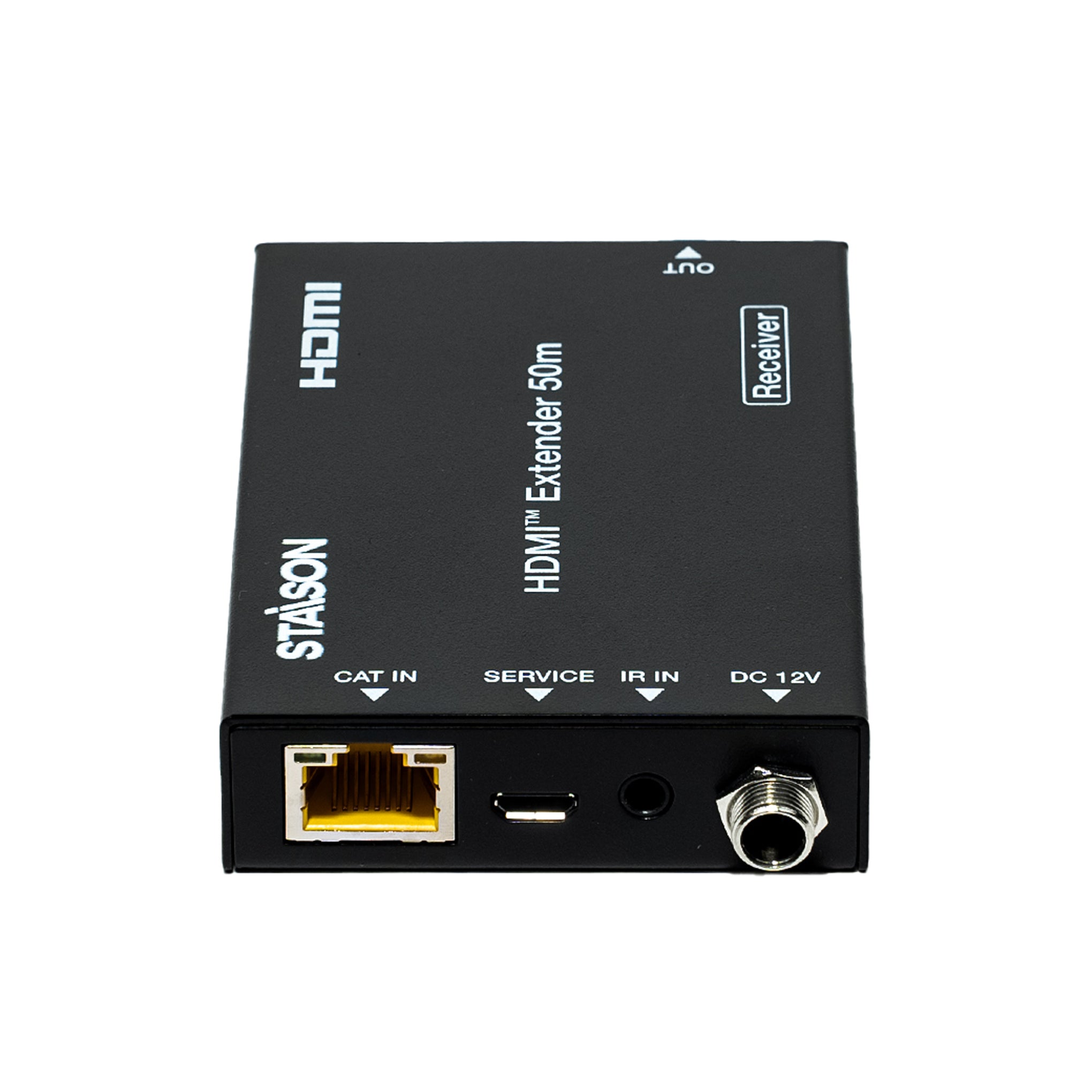
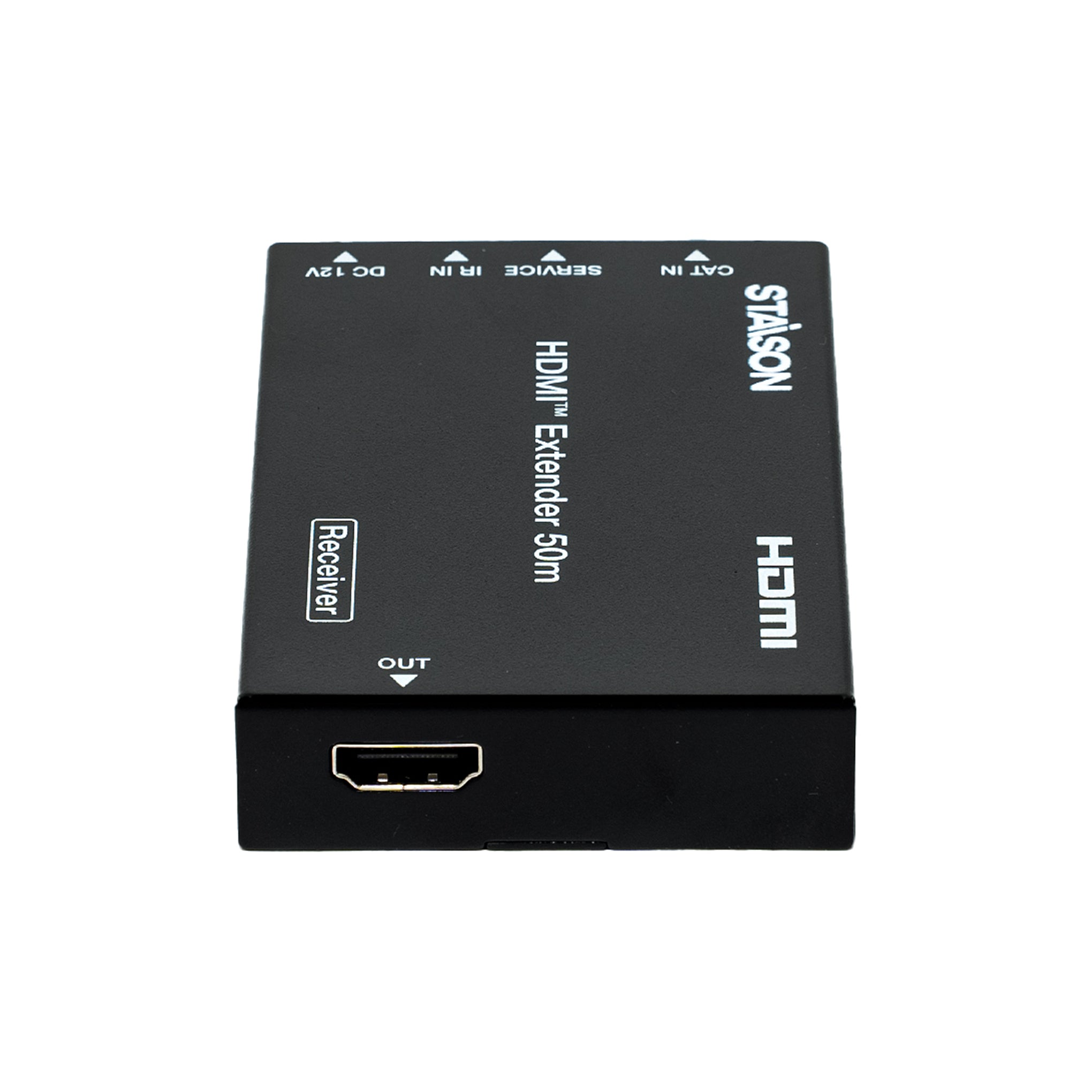
Receiver Panel

| No. | Name | Function Description |
|---|---|---|
| 1 | OUT | HDMI output port, connect to HDMI display device such as TV or Projector with an HDMI cable. |
| 2 | CAT IN | Connect to CAT OUT port on the transmitter end with a CAT6 cable. |
| 3 | Power Indicator Lamp (Green) | The lamp will illuminate when the receiver is powered on. |
| 4 | Data Signal Indicator Lamp (Orange) | The lamp will illuminate when the transmitter and the receiver have signal transmission. |
| 5 | SERVICE port | For firmware update use. |
| 6 | IR IN | Connect to wideband IR Receiver cable. The IR signal will be sent to the IR OUT port of the transmitter. |
| 7 | DC 12V | Plug DC 12V/1A power supply into the unit and connect the adapter to an AC outlet. Note: The extender supports PoC function — only one unit (TX or RX) needs to be powered; the other does not require a power supply. |
IR Pin Definition
IR Receiver and Blaster pin definition as below:


Application Example
