
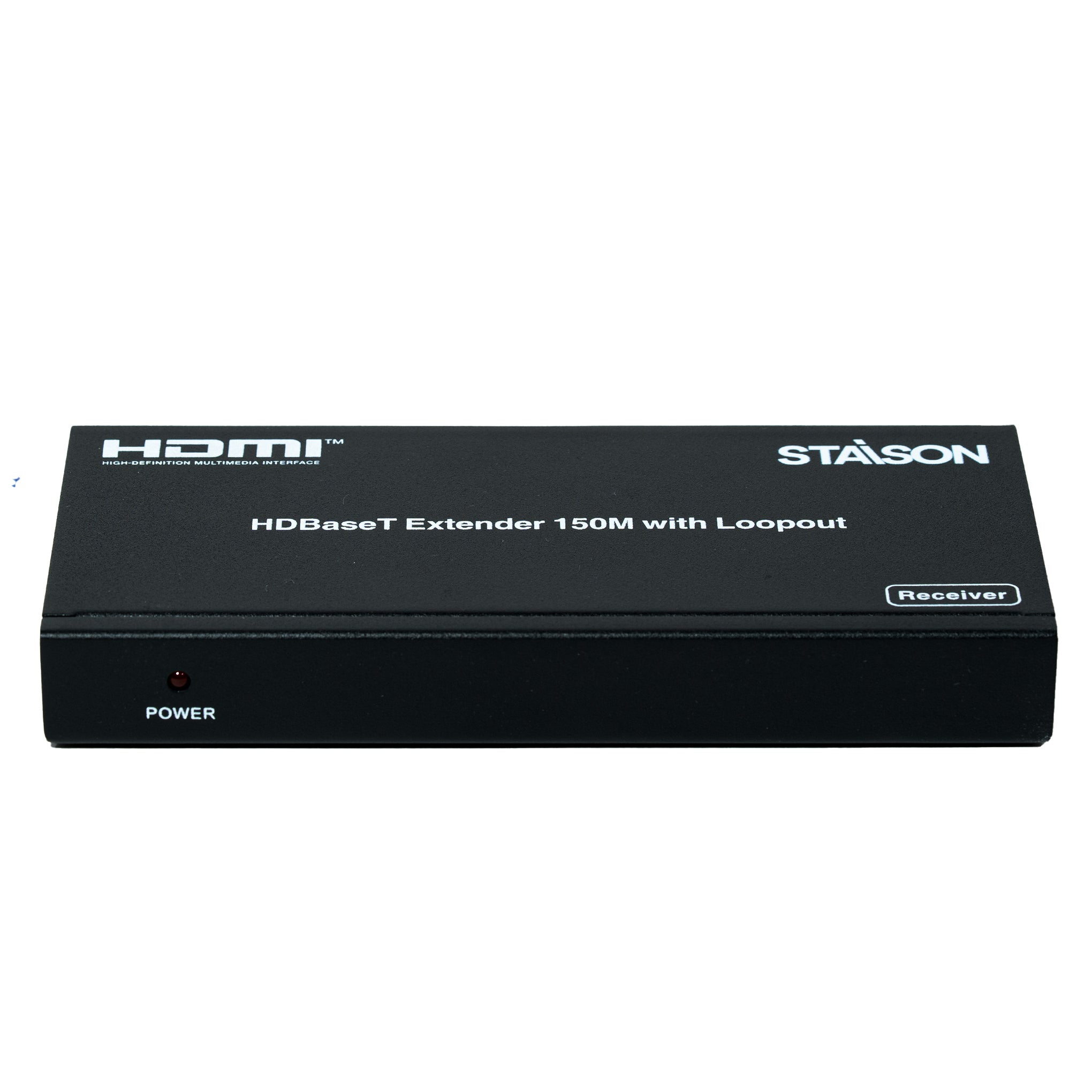


Description
ST-NE150CL هو موسع HDMI احترافي مزود بمخرج Loopout، يقوم بتمديد إشارات HDMI بدقة Full HD 1080p حتى 150 مترًا عبر كابل CAT5e/6 واحد. ويتميز بمخرج HDMI Loop، وتحكم ثنائي الاتجاه بالأشعة تحت الحمراء، ومرور RS-232، ودعم HDCP 1.4، وخاصية Power over Cable (POC) لنقل سمعي بصري موثوق به في التركيبات التجارية والاحترافية.
يُعد موسع HDMI ST-NE150CL المزود بمخرج Loopout مثاليًا لغرف الاجتماعات والفصول الدراسية واللافتات الرقمية ومتاجر التجزئة وتركيبات الصوت والصورة الاحترافية.
الميزات
☆ متوافق مع HDCP 1.4 و DVI
☆ دقة الفيديو تصل إلى 1080p@60Hz (YUV 4:4:4)، كما هو محدد في HDMI 1.4
☆ مرور صوت HDMI بمعدل بت عالي (HBR)
☆ مسافة إرسال 150 مترًا عبر كابل CAT6
☆ POC (الطاقة عبر الكابل) — يتم تشغيل TX أو RX بواسطة مصدر طاقة 24V/1A واحد
☆ إرسال إشارة التحكم بالأشعة تحت الحمراء ثنائية الاتجاه
☆ إرسال إشارة RS-232 ثنائية الاتجاه
يدعم موسع HDMI ST-NE150CL المزود بمخرج Loopout خرج HDMI loop، ونقل HDBaseT، وخاصية Power over Cable (POC)، والتحكم ثنائي الاتجاه بالأشعة تحت الحمراء.
محتويات العلبة
① 1 × موسع HDMI (جهاز إرسال)
② 1 × موسع HDMI (جهاز استقبال)
③ 1 × كابل باعث للأشعة تحت الحمراء عريض النطاق
④ 1 × كابل مستقبل للأشعة تحت الحمراء عريض النطاق
⑤ 1 × محول طاقة 24 فولت/1 أمبير
⑥ 1 × دليل المستخدم
المواصفات
| التقنية | |
| التوافق مع HDMI | HDMI 1.4 |
| التوافق مع HDCP | HDCP 1.4 |
| عرض نطاق الفيديو | 165 ميجاهرتز |
| دقة الفيديو | تصل إلى 1080P@60Hz YUV 4:4:4، RGB 4:4:4 |
| مساحة اللون | RGB, YUV 4:4:4, YUV 4:2:2 |
| عمق اللون | 8 بت |
| تنسيقات صوت HDMI | LPCM 2/5.1/7.1CH, Dolby Digital, DTS 5.1, Dolby Digital+, Dolby TrueHD, DTS-HD Master Audio, Dolby Atmos, DTS:X |
| حماية ESD | IEC 61000-4-2: ±8 كيلو فولت (تفريغ فجوة الهواء)، ±4 كيلو فولت (تفريغ التلامس) |
| التوصيل – جهاز الإرسال | |
| الإدخال | 1 × IN [HDMI Type A, 19-pin أنثى] 1 × IR IN [3.5 مم مقبس صغير ستريو] 1 × RS-232 [مقبس فينيكس] |
| الإخراج | 1 × HDBaseT OUT [RJ45] 1 × OUT [HDMI Type A, 19-pin أنثى] (خرج Loop) 1 × IR OUT [3.5 مم مقبس صغير ستريو] |
| التوصيل – جهاز الاستقبال | |
| الإدخال | 1 × HDBaseT IN [RJ45] 1 × IR IN [3.5 مم مقبس صغير ستريو] |
| الإخراج | 1 × OUT [HDMI Type A, 19-pin أنثى] 1 × IR OUT [3.5 مم مقبس صغير ستريو] 1 × RS-232 [مقبس فينيكس] |
| ميكانيكي | |
| الغطاء | هيكل معدني - أسود |
| الأبعاد | 140 مم [عرض] × 65 مم [عمق] × 18 مم [ارتفاع] |
| الوزن | 481 جرام |
| مزود الطاقة | المدخل: تيار متردد 100-240 فولت 50/60 هرتز | المخرج: تيار مستمر 24 فولت/1 أمبير (معتمد من CE/FCC/UL) |
| استهلاك الطاقة | 6 واط (بحد أقصى) |
| بيئي | |
| درجة حرارة التشغيل | 0 درجة مئوية ~ 40 درجة مئوية / 32 درجة فهرنهايت ~ 104 درجة فهرنهايت |
| درجة حرارة التخزين | -20 درجة مئوية ~ 60 درجة مئوية / -4 درجة فهرنهايت ~ 140 درجة فهرنهايت |
| الرطوبة النسبية | 20% ~ 90% رطوبة نسبية (بدون تكاثف) |
يوفر موسع HDMI ST-NE150CL المزود بمخرج Loopout نقل HDMI مستقر بدقة Full HD 1080p حتى 150 مترًا باستخدام كابل CAT5e/6 واحد.
ضوابط ووظائف التشغيل
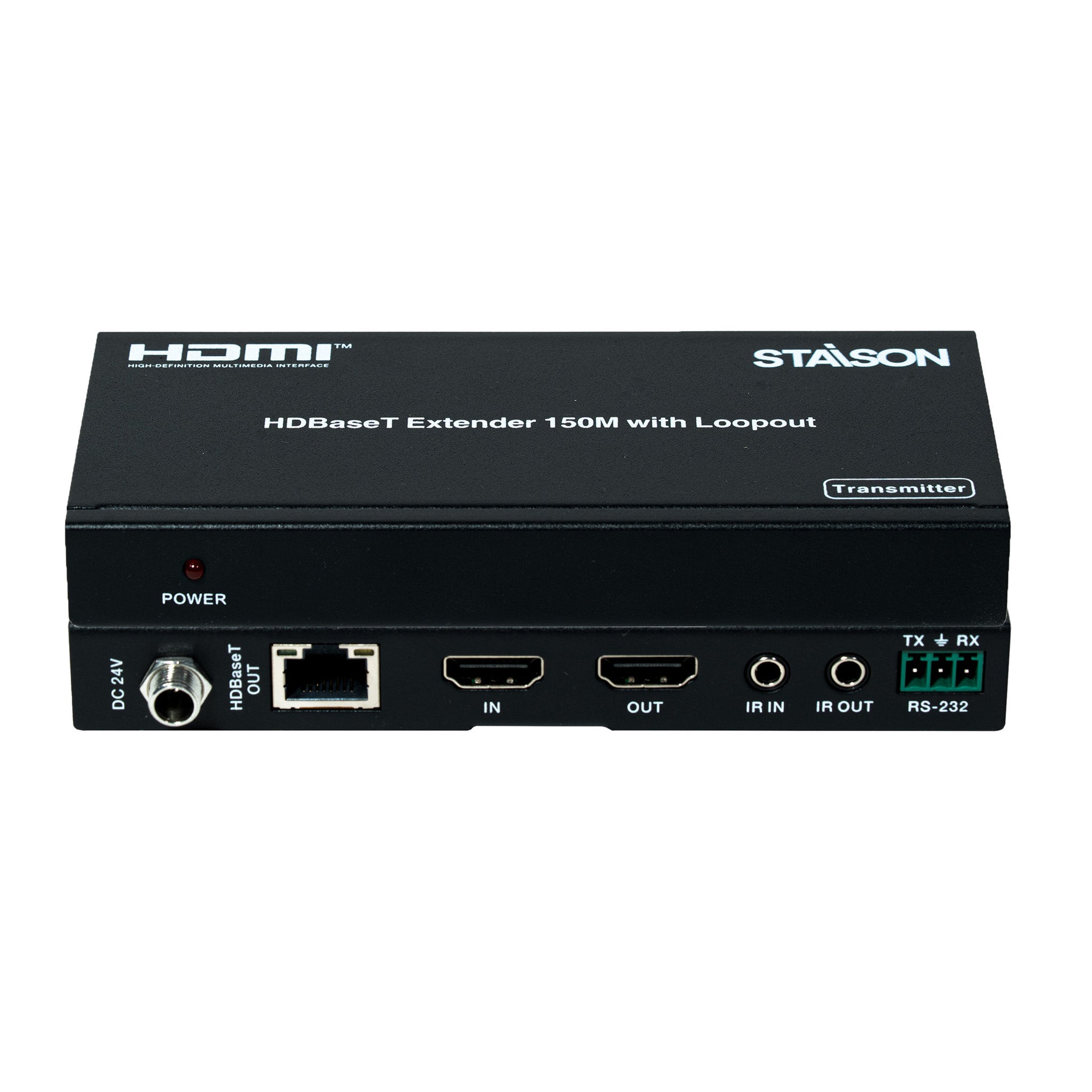
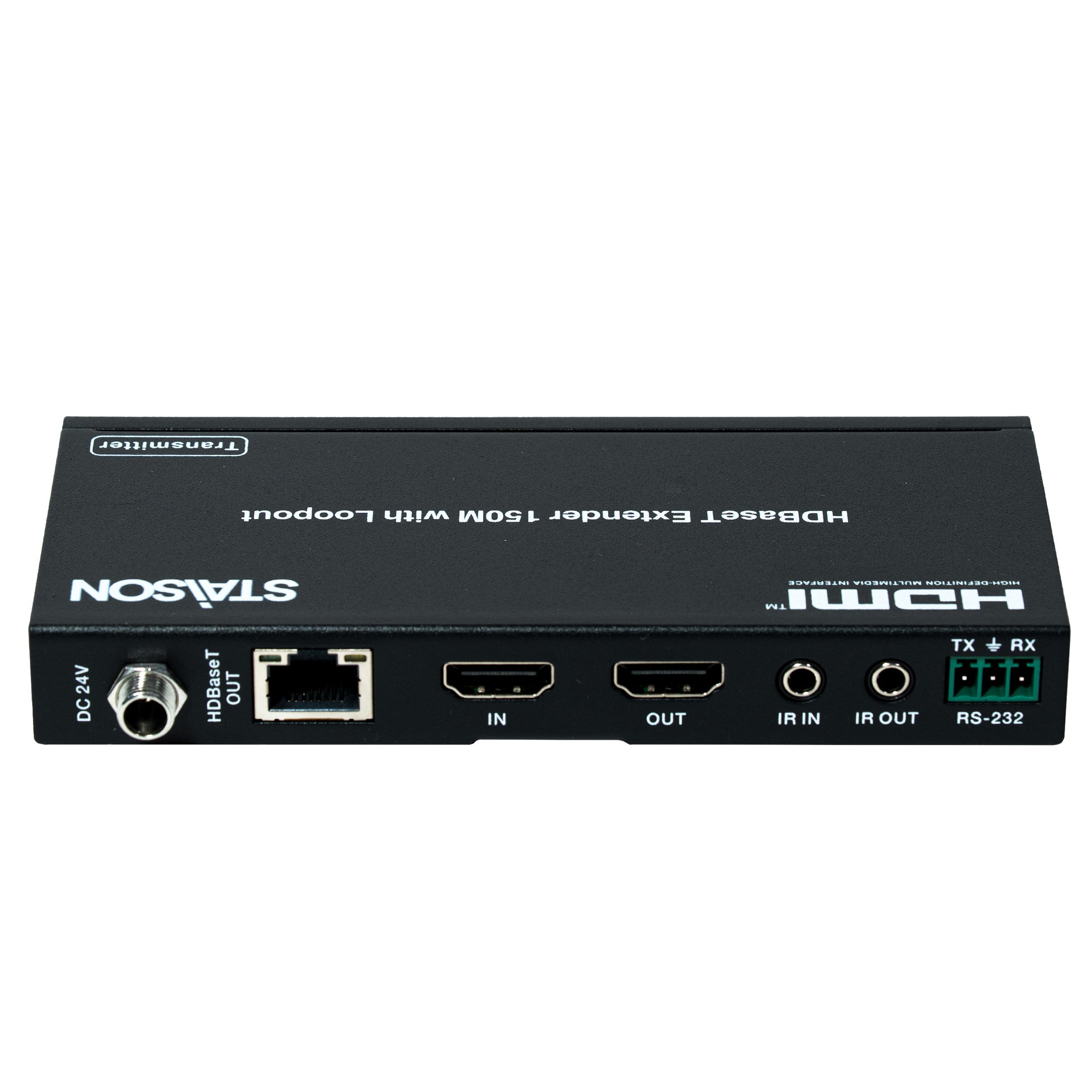
لوحة جهاز الإرسال

| رقم | الاسم | وصف الوظيفة |
|---|---|---|
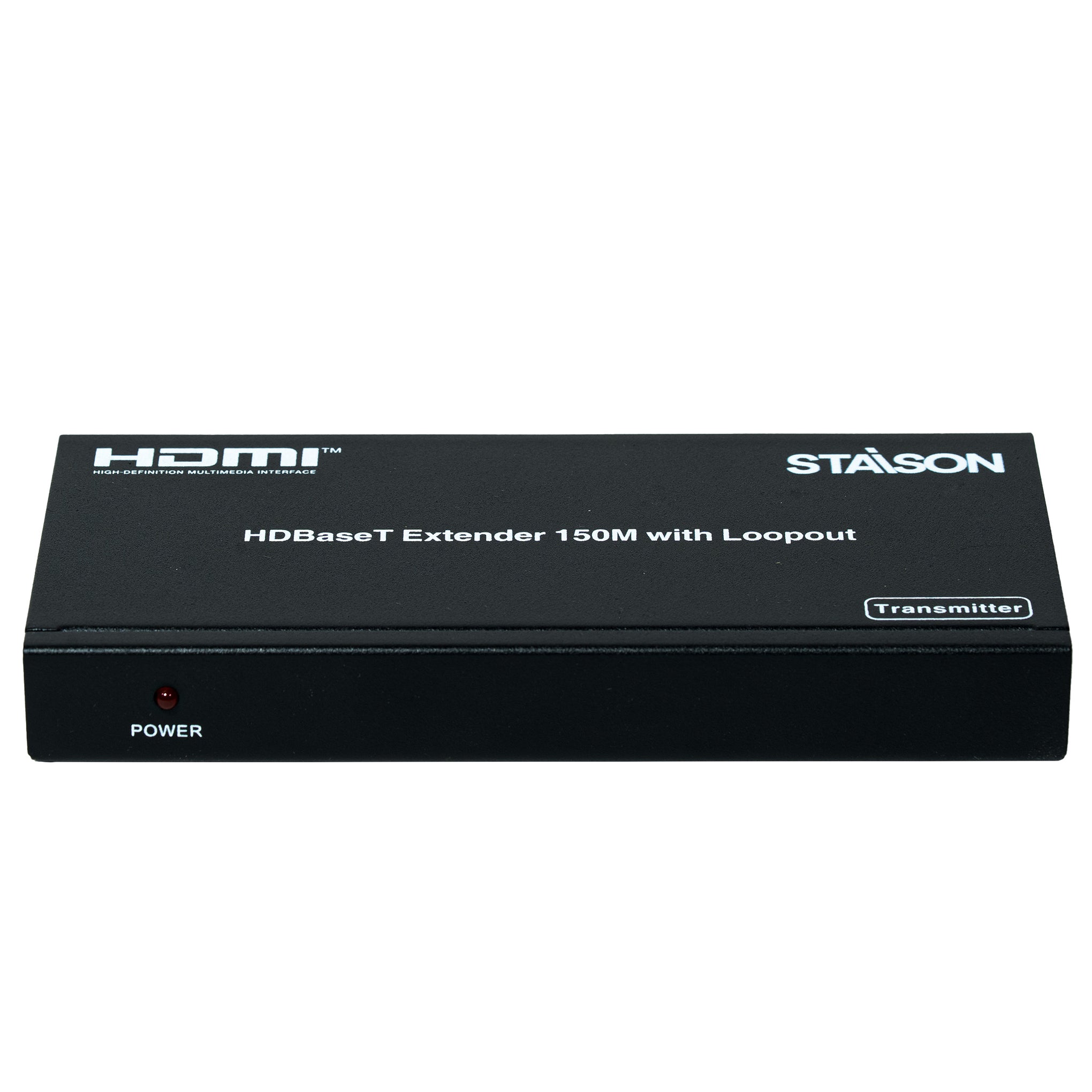
| 1 | مؤشر LED للطاقة | مؤشر طاقة النظام. |
| 2 | تيار مستمر 24 فولت | قم بتوصيل محول 24 فولت/1 أمبير بمأخذ التيار المتردد لتزويد الطاقة. |
| 3 | مخرج HDBaseT | منفذ خرج HDBaseT قياسي. يتصل بجهاز استقبال HDBaseT بكابل UTP باستخدام طريقة الربط المباشر. |
| 4 | مدخل | يتصل بجهاز مصدر HDMI مثل مشغل Blu-ray أو PS4. |
| 5 | مخرج (Loop) | يتصل بمنفذ إدخال HDMI في تلفزيون عالي الدقة أو شاشة لمخرج Loop محلي. |
| 6 | مدخل IR | مستقبل IR للقناة 2. يتصل بكابل مستقبل IR. |
| 7 | مخرج IR | مرسل IR للقناة 1. يتصل بكابل باعث IR. |
| 8 | RS-232 | موصل فينيكس ثلاثي المسامير، يستخدم لإرسال أوامر RS-232. |
| 9 | مؤشر إشارة الاتصال | مضاء: جهاز الإرسال والاستقبال متصلان جيدًا. وميض: جهاز الإرسال والاستقبال متصلان بشكل ضعيف. مظلم: غير متصل. |
| 10 | مؤشر إشارة البيانات | مضاء: إشارة HDMI مع HDCP. وميض: إشارة HDMI بدون HDCP. مظلم: لا توجد إشارة HDMI. |
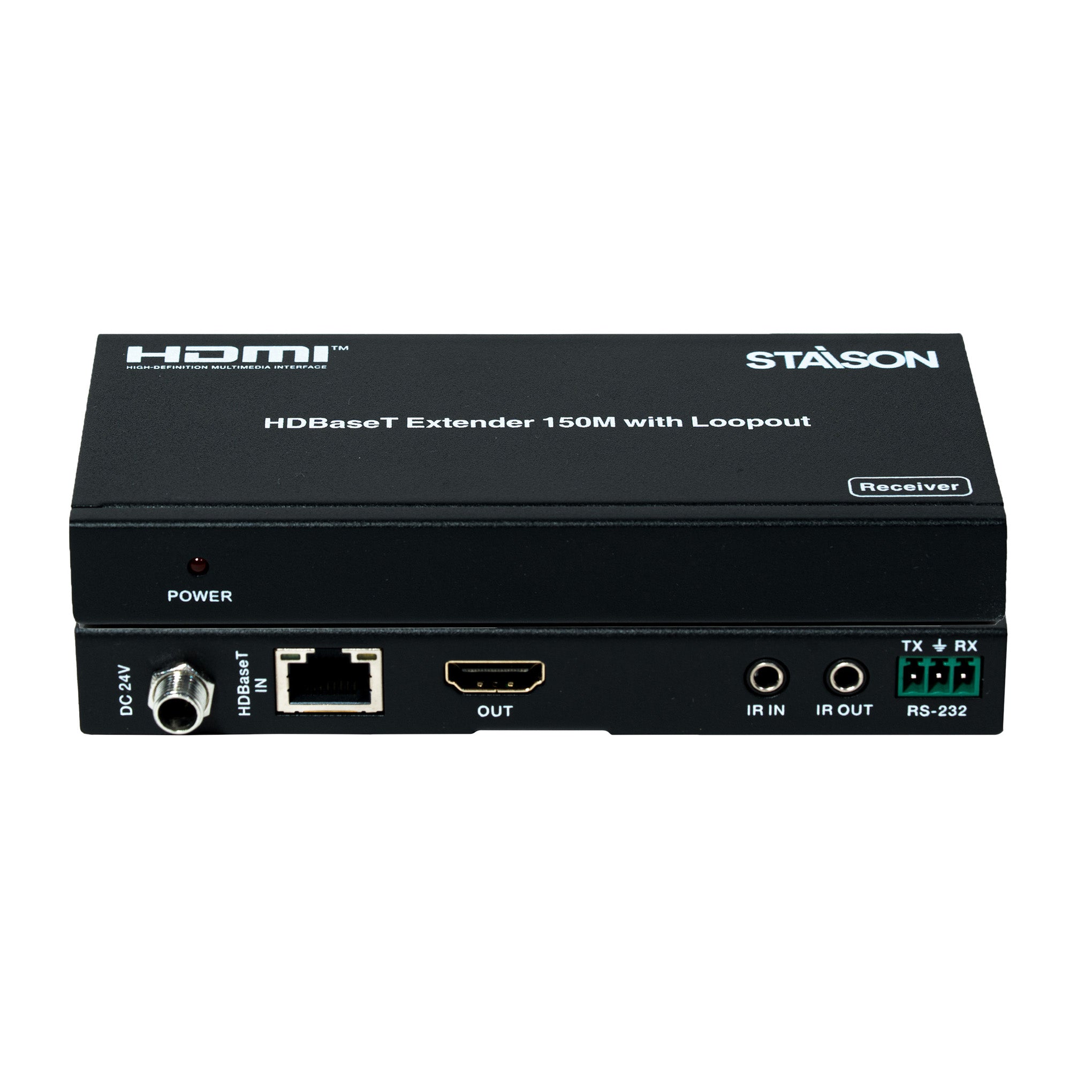
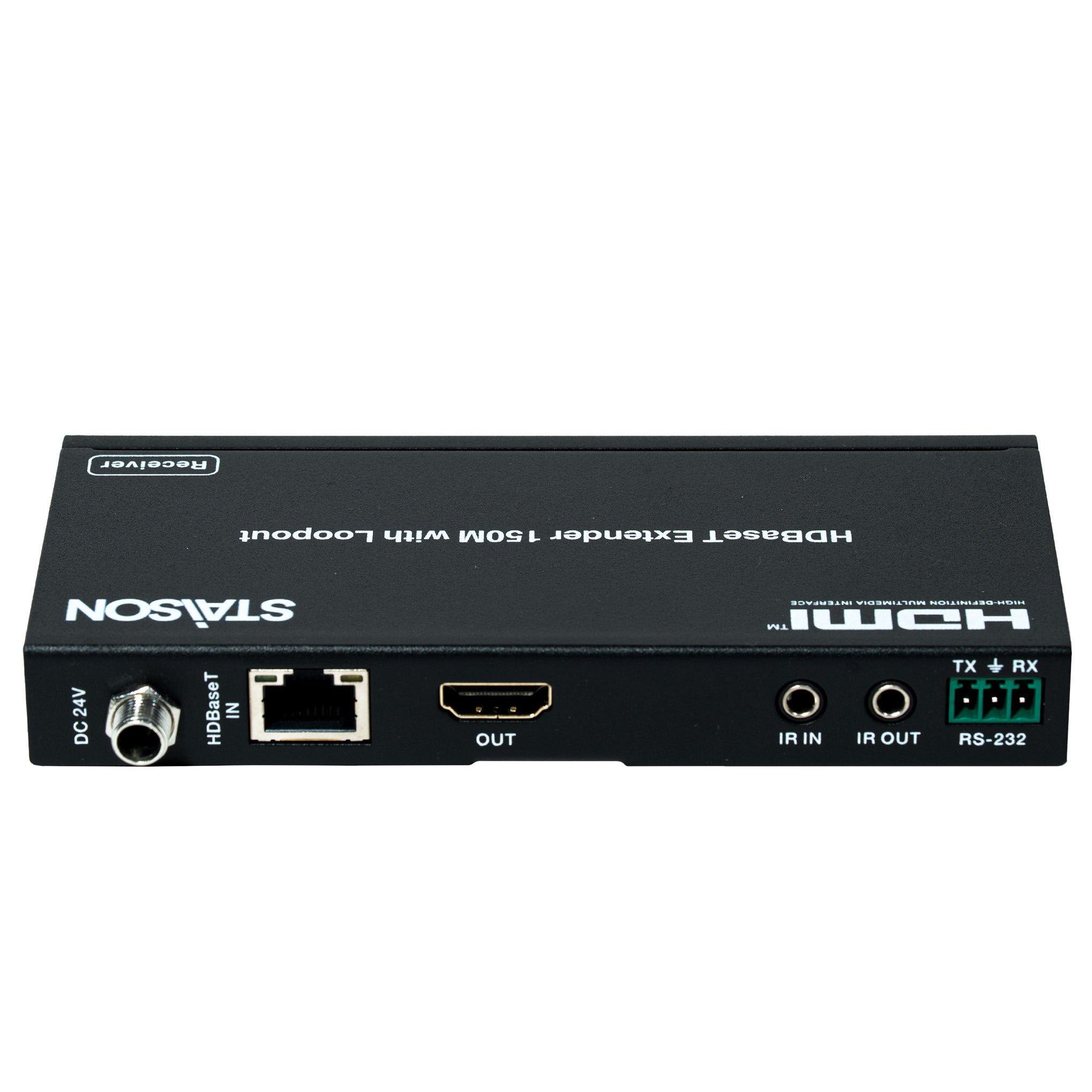
لوحة جهاز الاستقبال

| رقم | الاسم | وصف الوظيفة |
|---|---|---|
| 1 | مؤشر LED للطاقة | مؤشر طاقة النظام. |
| 2 | تيار مستمر 24 فولت | قم بتوصيل محول 24 فولت/1 أمبير بمأخذ التيار المتردد لتزويد الطاقة. |
| 3 | مدخل HDBaseT | منفذ إدخال HDBaseT قياسي. يتصل بجهاز إرسال HDBaseT بكابل UTP باستخدام طريقة الربط المباشر. |
| 4 | مخرج | يتصل بالتلفزيون عالي الدقة أو الشاشة. |
| 5 | مدخل IR | مستقبل IR للقناة 1. يتصل بكابل مستقبل IR. |
| 6 | مخرج IR | مرسل IR للقناة 2. يتصل بكابل باعث IR. |
| 7 | RS-232 | موصل فينيكس ثلاثي المسامير، يستخدم لإرسال أوامر RS-232. |
| 8 | مؤشر إشارة الاتصال | مضاء: جهاز الإرسال والاستقبال متصلان جيدًا. وميض: اتصال ضعيف. مظلم: غير متصل. |
| 9 | مؤشر إشارة البيانات | مضاء: إشارة HDMI مع HDCP. وميض: إشارة HDMI بدون HDCP. مظلم: لا توجد إشارة HDMI. |
أوصاف الميزات
① مثال لتطبيق POC (الطاقة عبر الكابل)

② مثال لتطبيق التحكم بالأشعة تحت الحمراء ثنائي الاتجاه

③ مثال لتطبيق التحكم RS-232 ثنائي الاتجاه

مثال للتطبيق

ملاحظة: المصطلحات HDMI وHDMI High-Definition Multimedia Interface وشعار HDMI هي علامات تجارية أو علامات تجارية مسجلة لشركة HDMI Licensing LLC في الولايات المتحدة ودول أخرى.